To configure the widget, you need to go to settings
Next click Add

Select the color by which the client’s LTV will be displayed
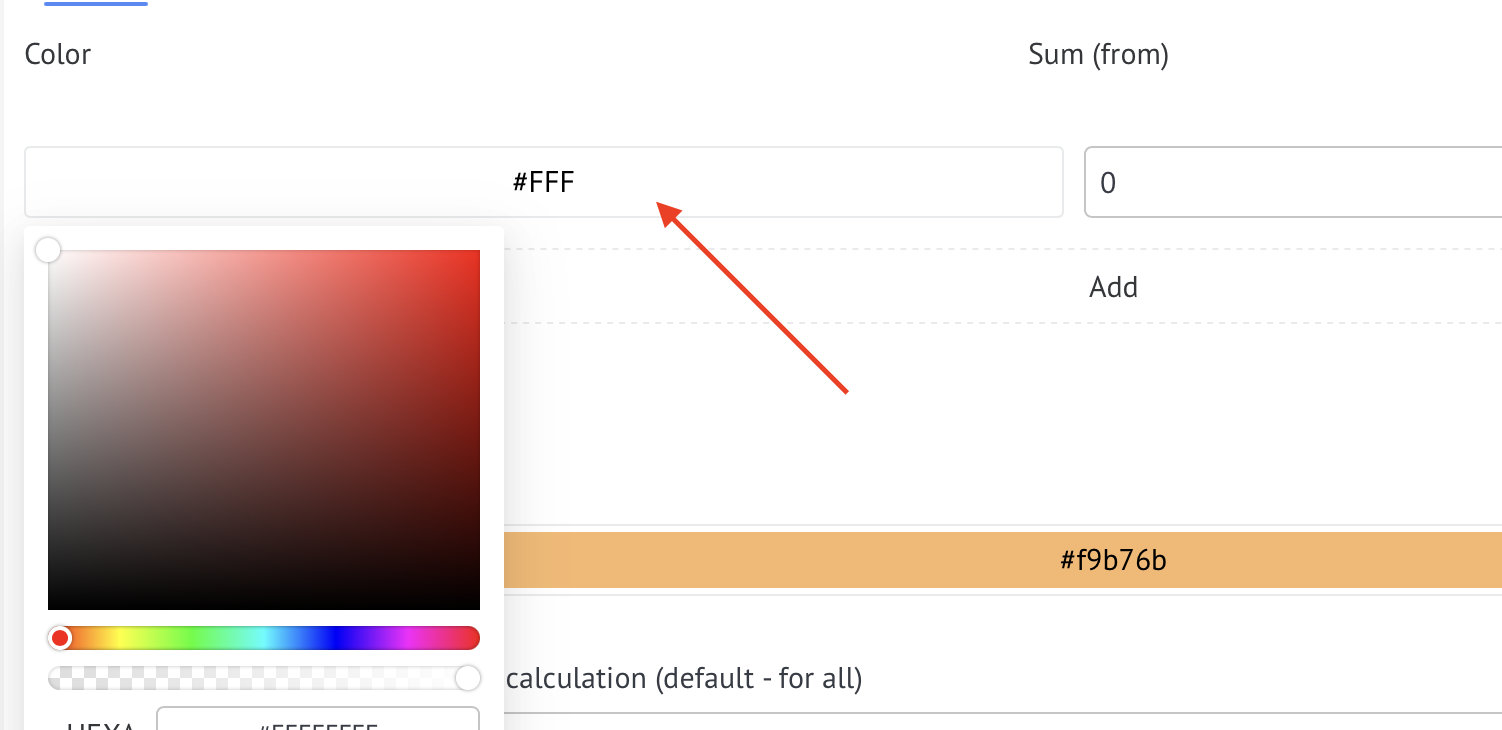
Select the sales amount from which the color will be displayed

To add a new color and amount, click on +

Select which pipelines the widget will work in; by default (no pipelines are selected), the widget will work for all pipelines
To run the widget only in selected pipelines, tick the pipelines you need in the Select pipelines to use for calculation list.
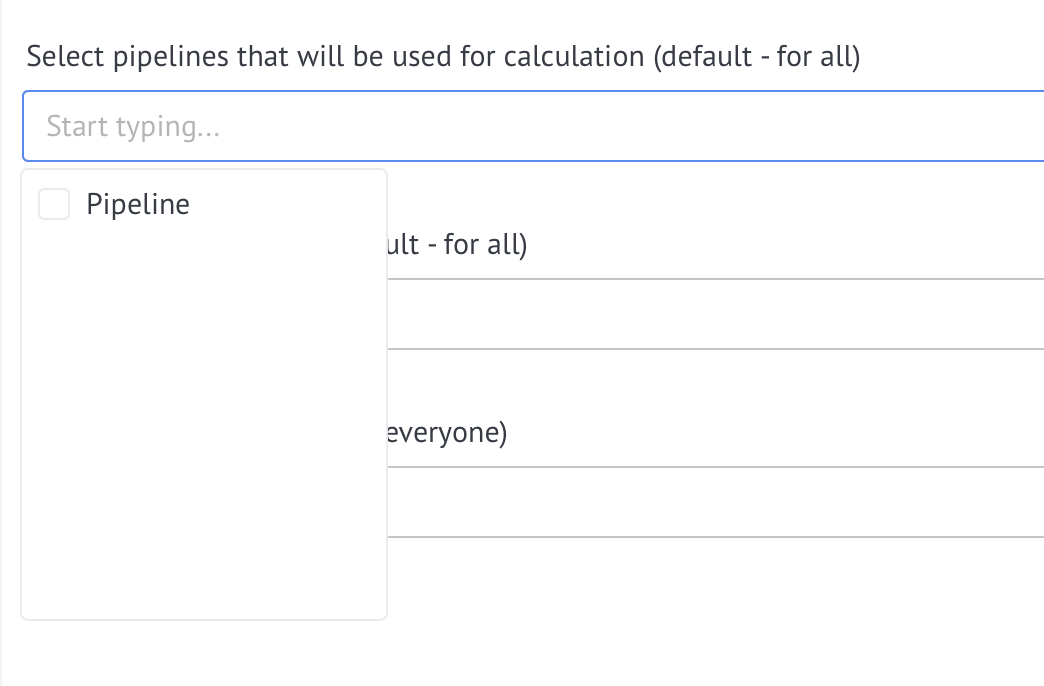
If necessary, you can select the users for whom the widget will be displayed.
If you need to mark new clients, you need to enable the switch Show the “new client” checkbox
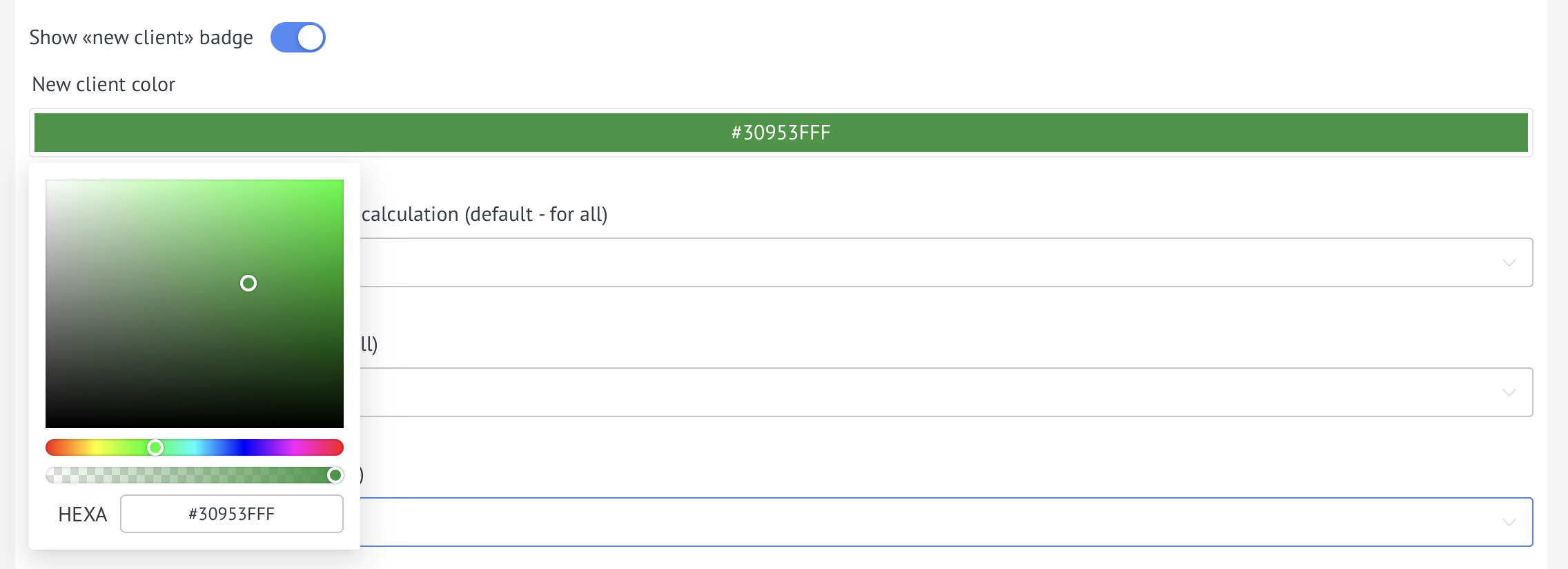
Select a color for a new client
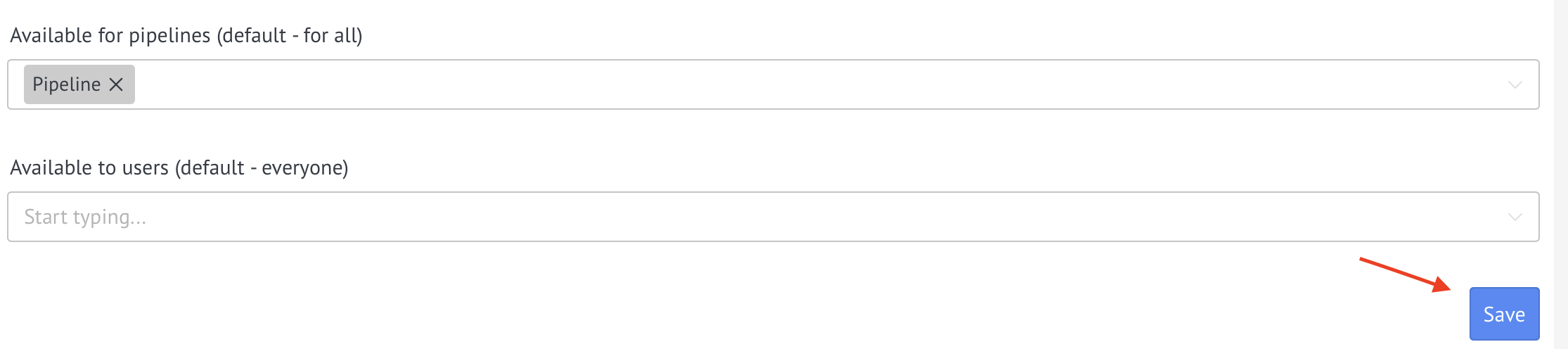
After completing the settings, you must click Save