Data

Merging duplicate companies

The widget automatically finds identical companies in Kommo and combines them into one

Features

Automatic search for duplicates
Smart merging without data loss
Controlling and undoing joins
Up to 3000 companies per day
Blocking the creation of duplicates

Installation and setup guide

Detailed guide for working with widget "Merging duplicate companies"

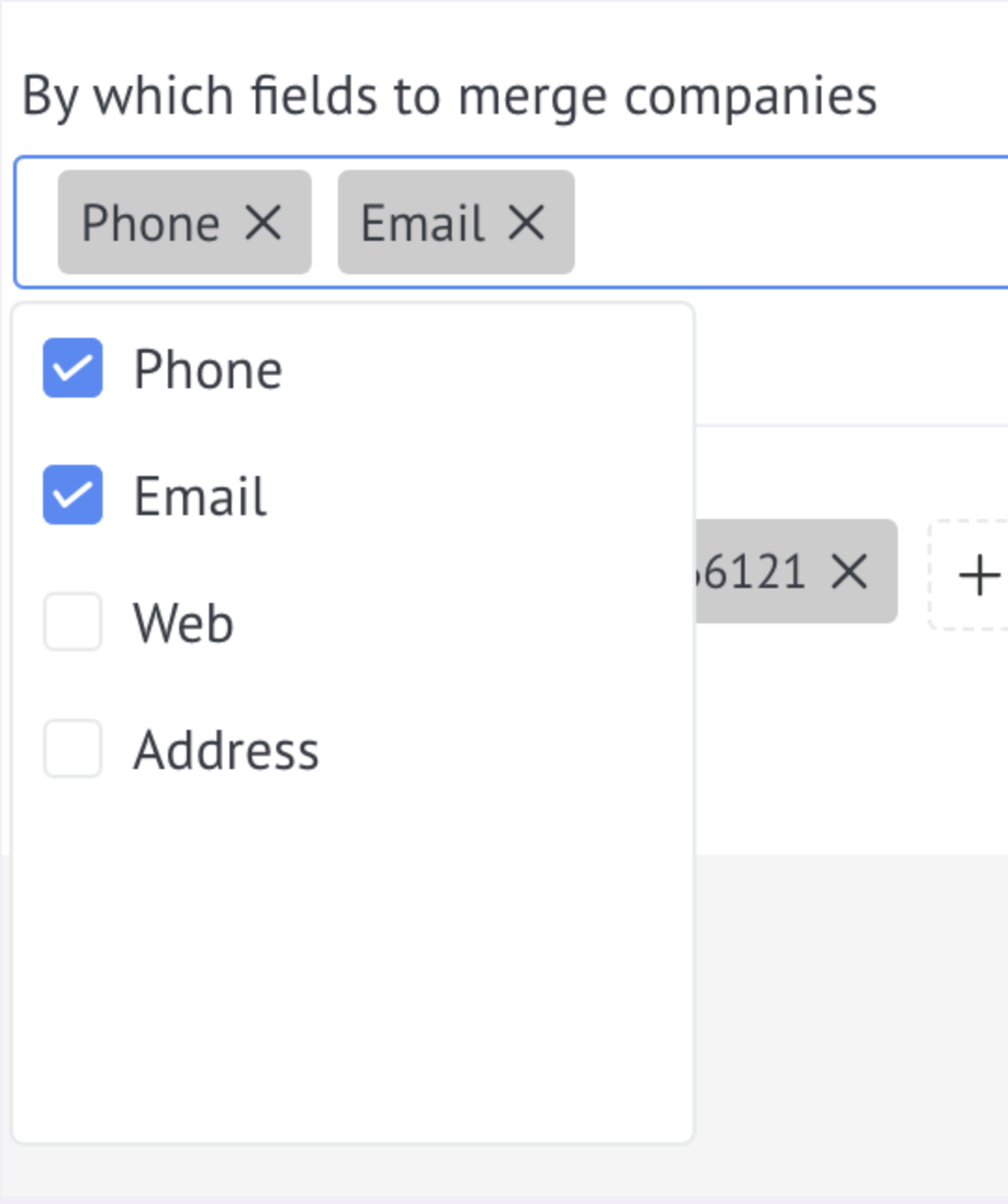
Selecting fields to merge

Important: merging will occur if at least one of the selected fields matches. Example: if a number and email are specified, and only the company number matches, then they will be combined. The final card will contain one number and both emails.

  • In the drop-down list, select the field by which the merge will be performed (TIN, phone, email, etc.).

Adding exceptions

Click "+". Enter your phone number or email. Click "Save".

  • If you want to prevent merging for certain values:

Start processing an existing database

  • To combine existing duplicates in CRM, enable the option “Enable database processing first?” - the widget will begin checking all companies in the database.

Blocking the creation of duplicates

  • Enable the option "Block company creation..." - if you try to create a duplicate, the system will warn you and provide a link to an existing company.