Automation

Bulk lead creation

The ability to mass create leads for mailings or processing by the sales department

Features

Mass creation
Import from files
Setting options
Selecting pipelines and stages
Automatic distribution

Installation and setup guide

Detailed guide for working with widget "Bulk lead creation"

CONTENTS

  1. Widget setup

Widget setup

After installing the widget, you need to go to the "lists" section.
Select the contacts you need
Click on "create leads"

After clicking on the tab, a window with a selection of fields will open
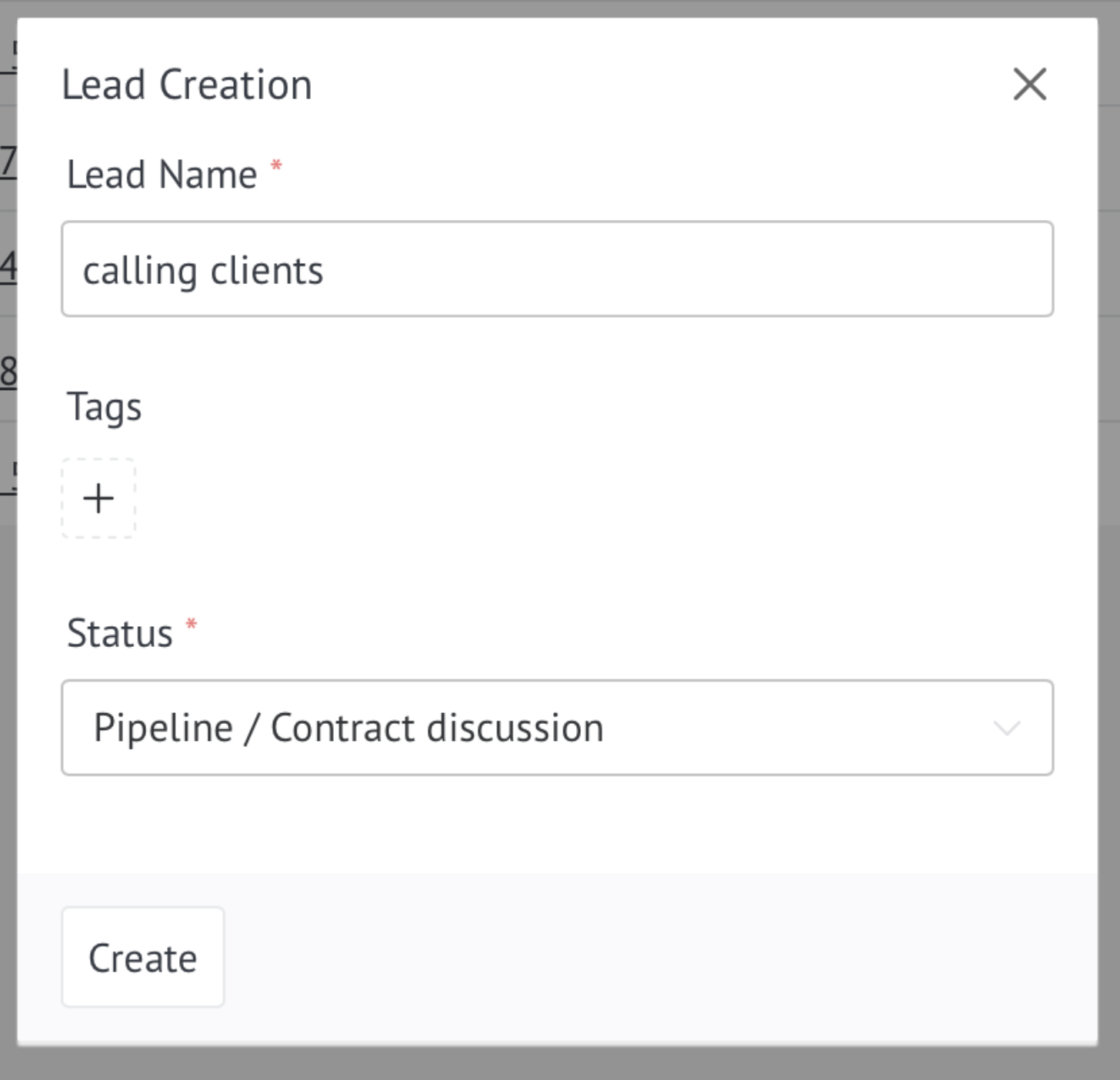
After clicking the "add" button, in the "leads" tab, the generated leads from contacts will appear in the pipeline you need, with the status you selected.