After installation, you need to go to the widget settings
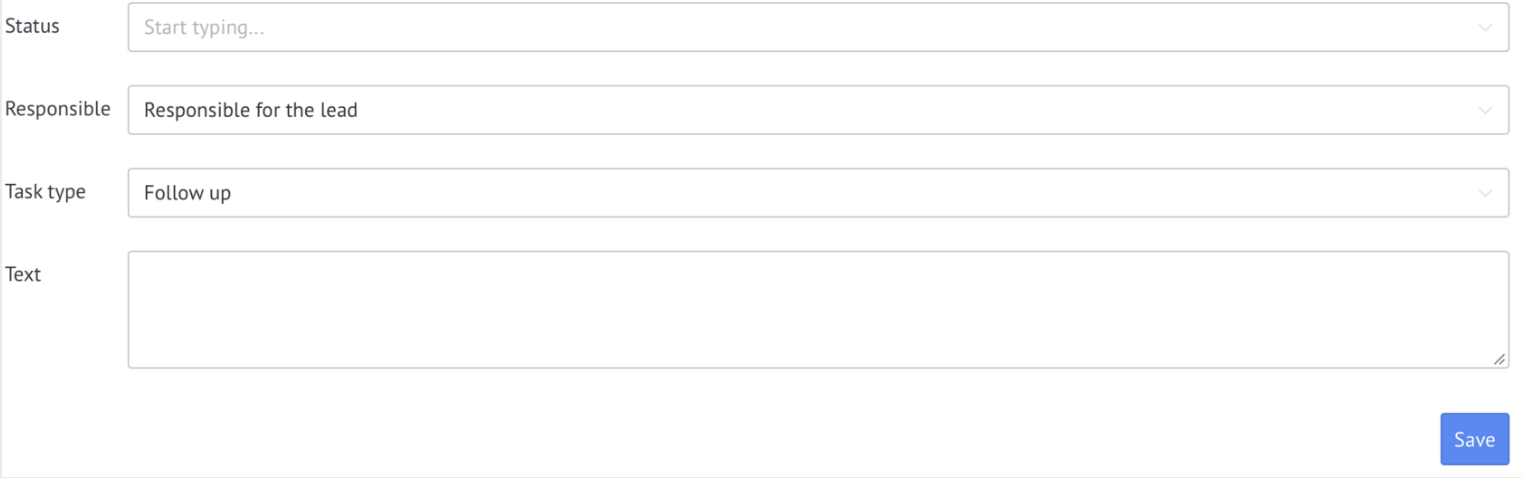
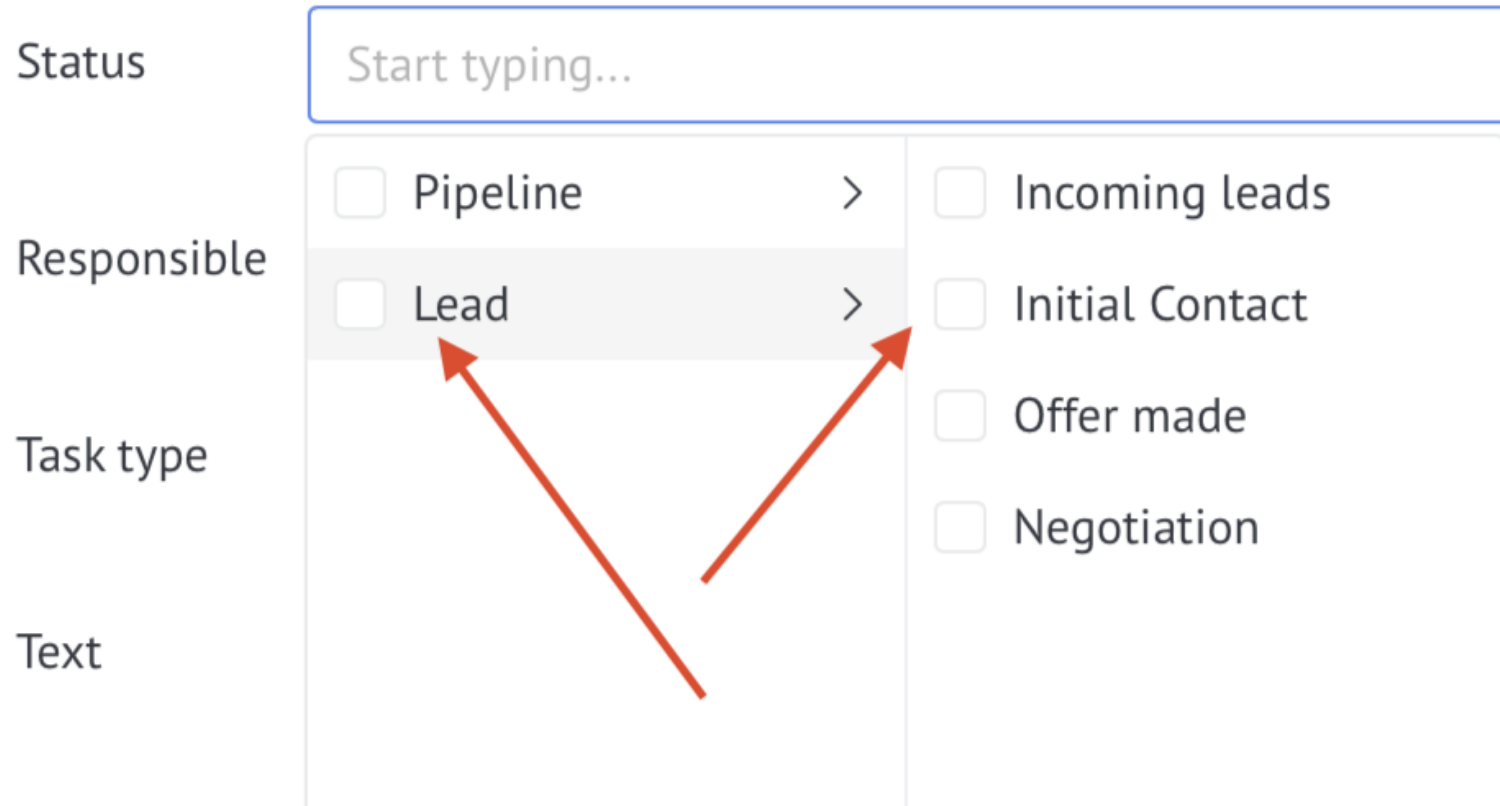
Select the pipelines/stages for which a task should be created
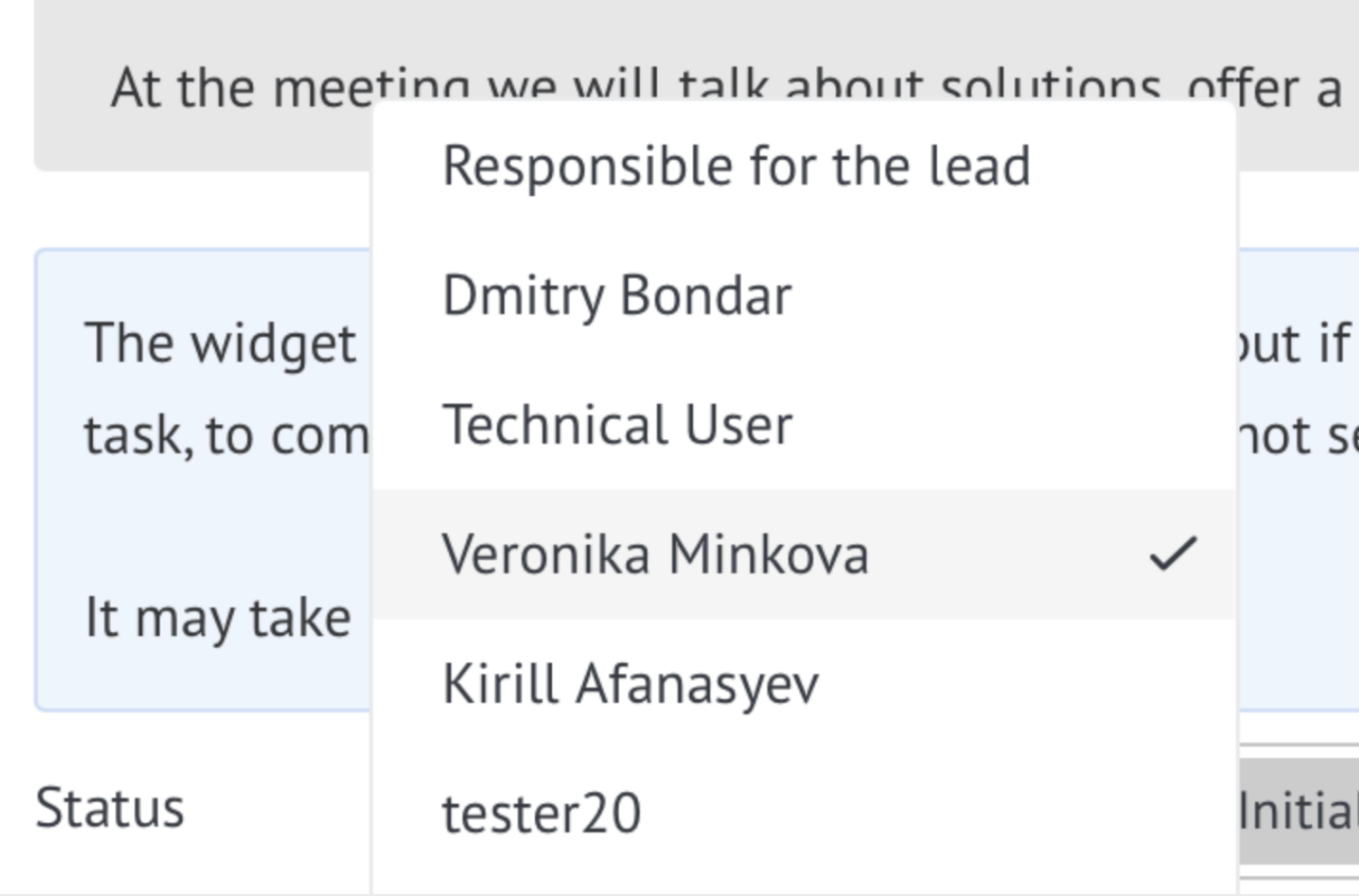
Select the person responsible for assigning the task
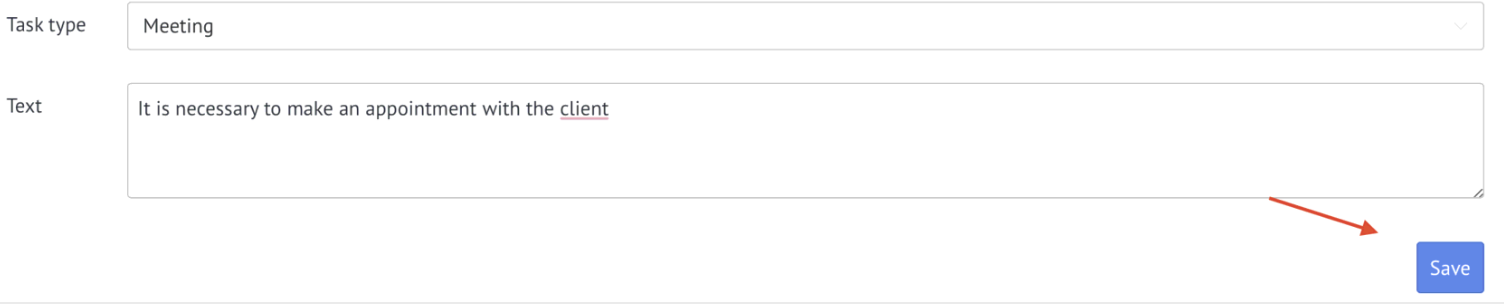
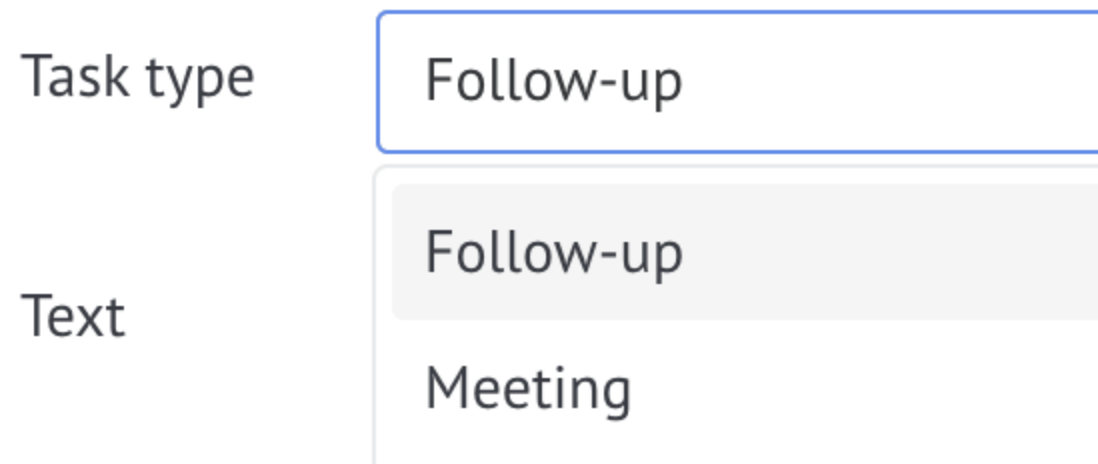
Select task type
If necessary, enter the task text
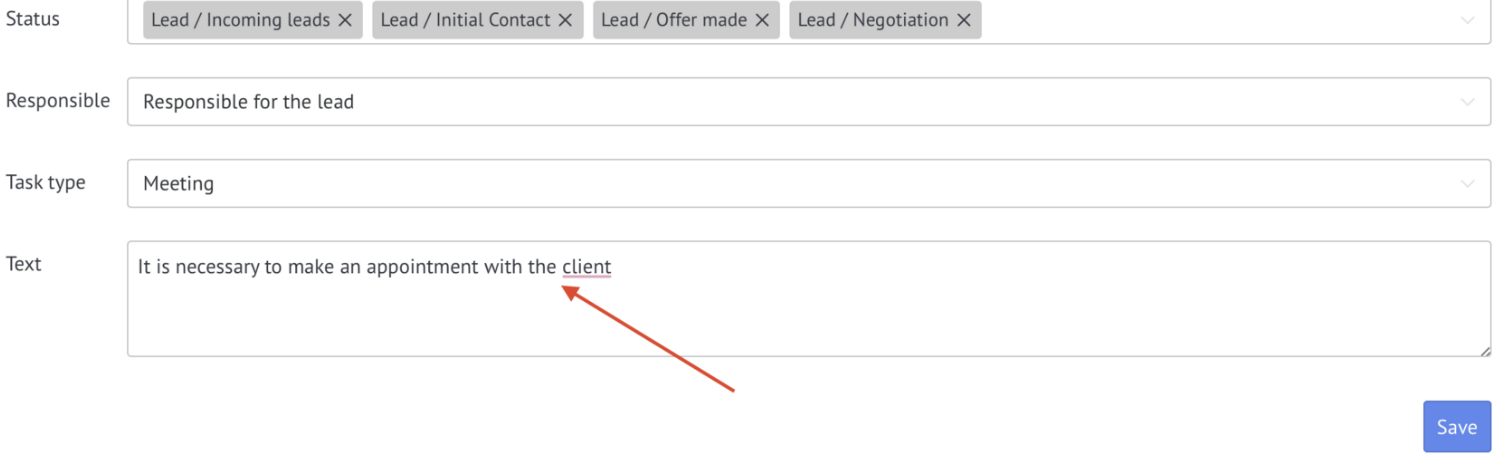
After setting, click Save
Important: the widget does not check for missing tasks instantly. If there are no tasks in a lead for 5 minutes, the widget creates a new task. Task creation may take up to 30 minutes.