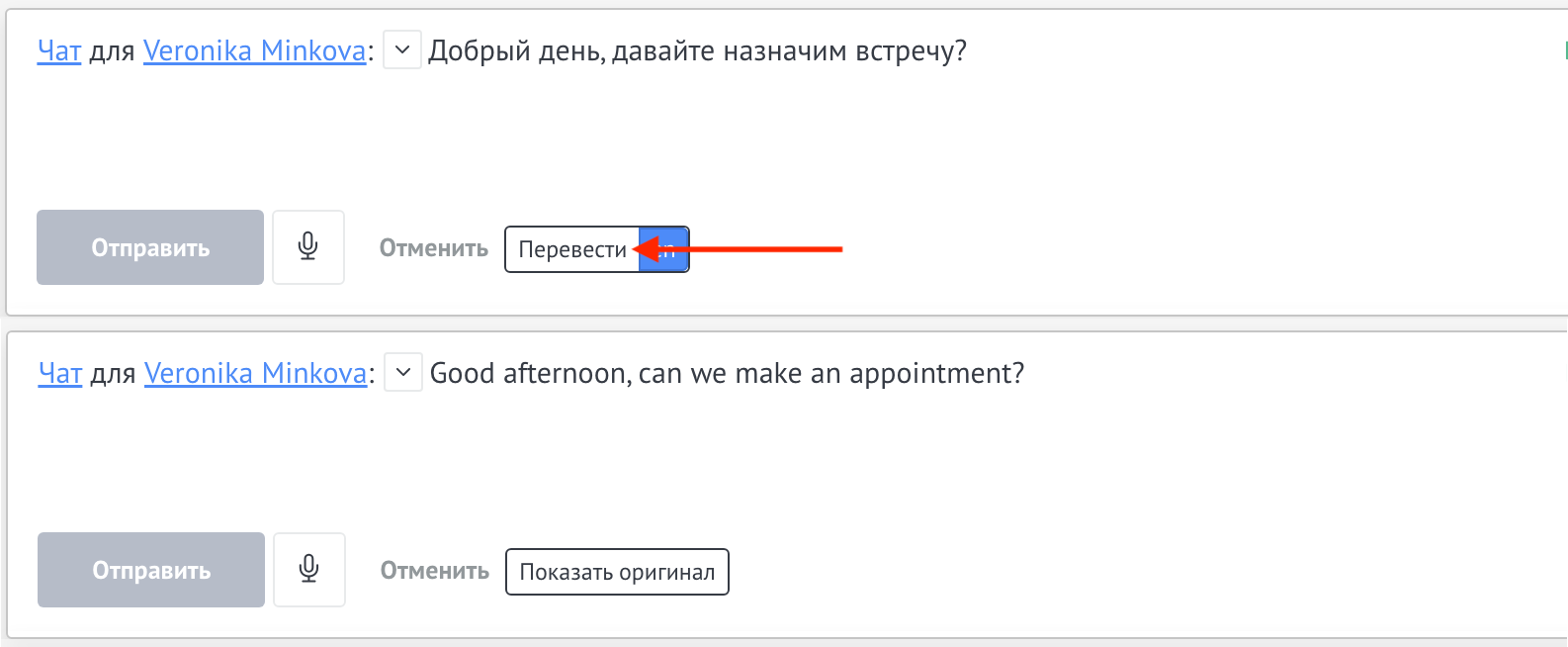
To configure the widget, you need to go to settings.
Select languages that will be available for translation:
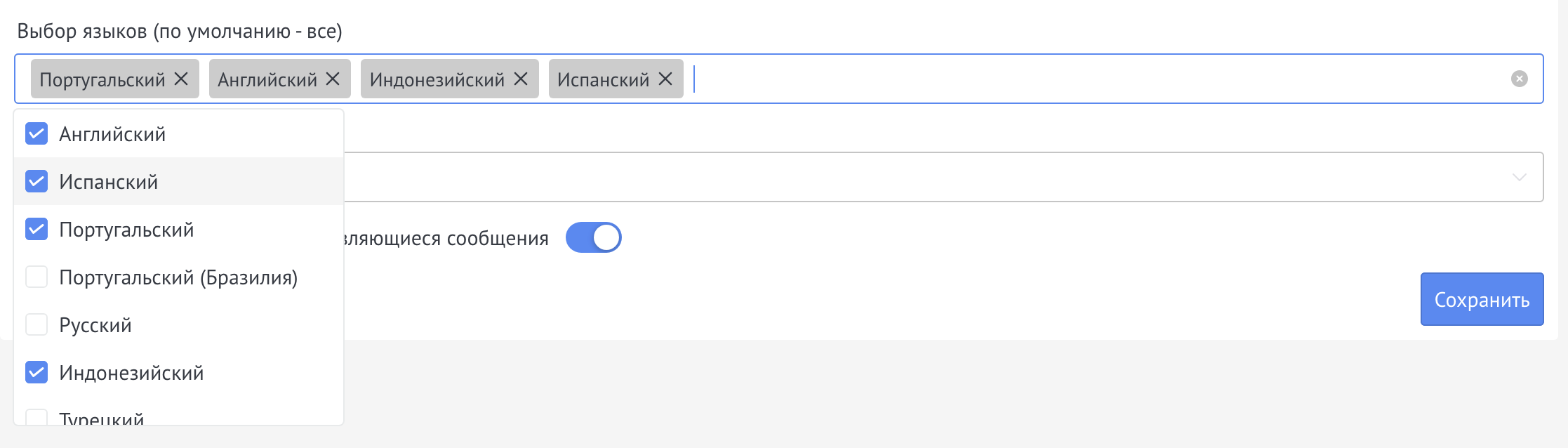
Select the target language into which to translate incoming messages:

You can also enable the Automatically translate all messages that appear feature.
The function allows you to automatically translate messages in transactions into the target language. Disabled by default.

After setting, click Save.
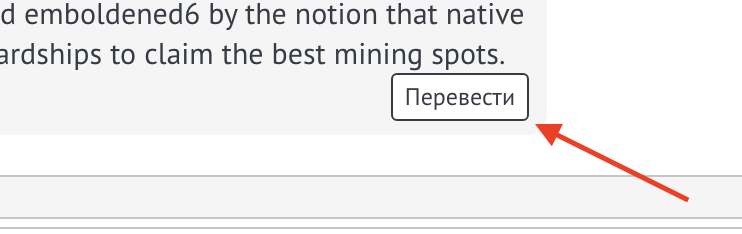
To translate a client’s message, you need to go to the deal, hover over the message and click on Translate:
In order to translate a typed message, you must enter the messages and select the language for translation
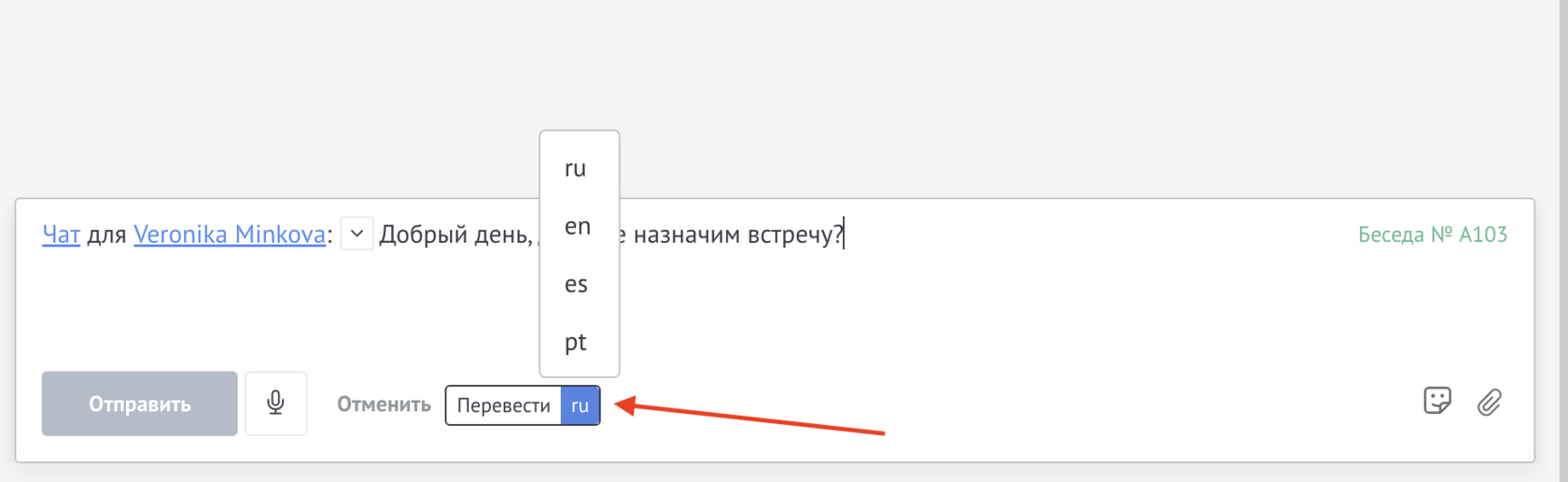
And click Translate