Messengers

Save contact Telegram username

Automatically save the Telegram username from chats to the contact card

Features

Auto-save @username
Works with Telegram chats
Contact field update
Less manual copy-paste

Installation and setup guide

Detailed guide for working with widget "Save contact Telegram username"

Key Features

The widget helps to automatically save a contact’s Telegram login in a special field if the login can be determined from correspondence via Telegram. This simplifies customer identification and provides quick access to their Telegram accounts.

  • 💬 Automatic saving - the telegram login is recorded without the participation of the manager
  • 🔄 Automatic update - the login is recorded without manual entry, if it can be determined
  • 📋 Easy access - login is saved in a separate contact field
  • ⚡ Easy setup - activation in one click

Advantages

  • Quick identification of clients in Telegram
  • Automation of contact data collection
  • Convenience for subsequent communication
  • Saving time for managers
  • Convenient storage of client login in a card

Settings

The widget does not require special settings, just go to settings to enable it

and Save

Saving widget settings

Usage

After activating the widget, the system will automatically work:

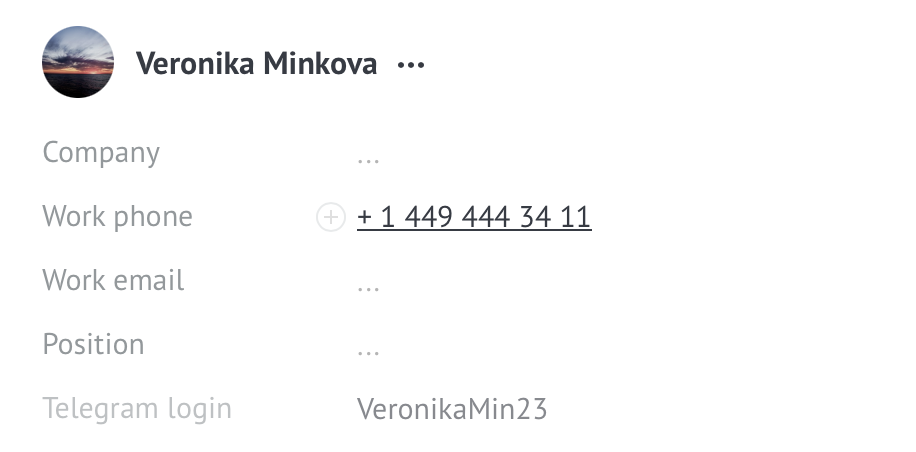
If the client wrote via Telegram and the login was determined through correspondence, then his login will be automatically added to the "Telegram login"field in the contact.

Using the widget

ℹ️ Important: The widget only works if integrated with Telegram. The login is saved automatically if it can be determined from the correspondence data.

Who is it suitable for?

  • Companies using Telegram to communicate with customers
  • Sales departments working via messengers
  • Telegram support services
  • Any teams wanting to automate contact data collection