In the settings, you can choose which users can export data. By default, everyone can do this.
To export leads or contacts, go to the required list.
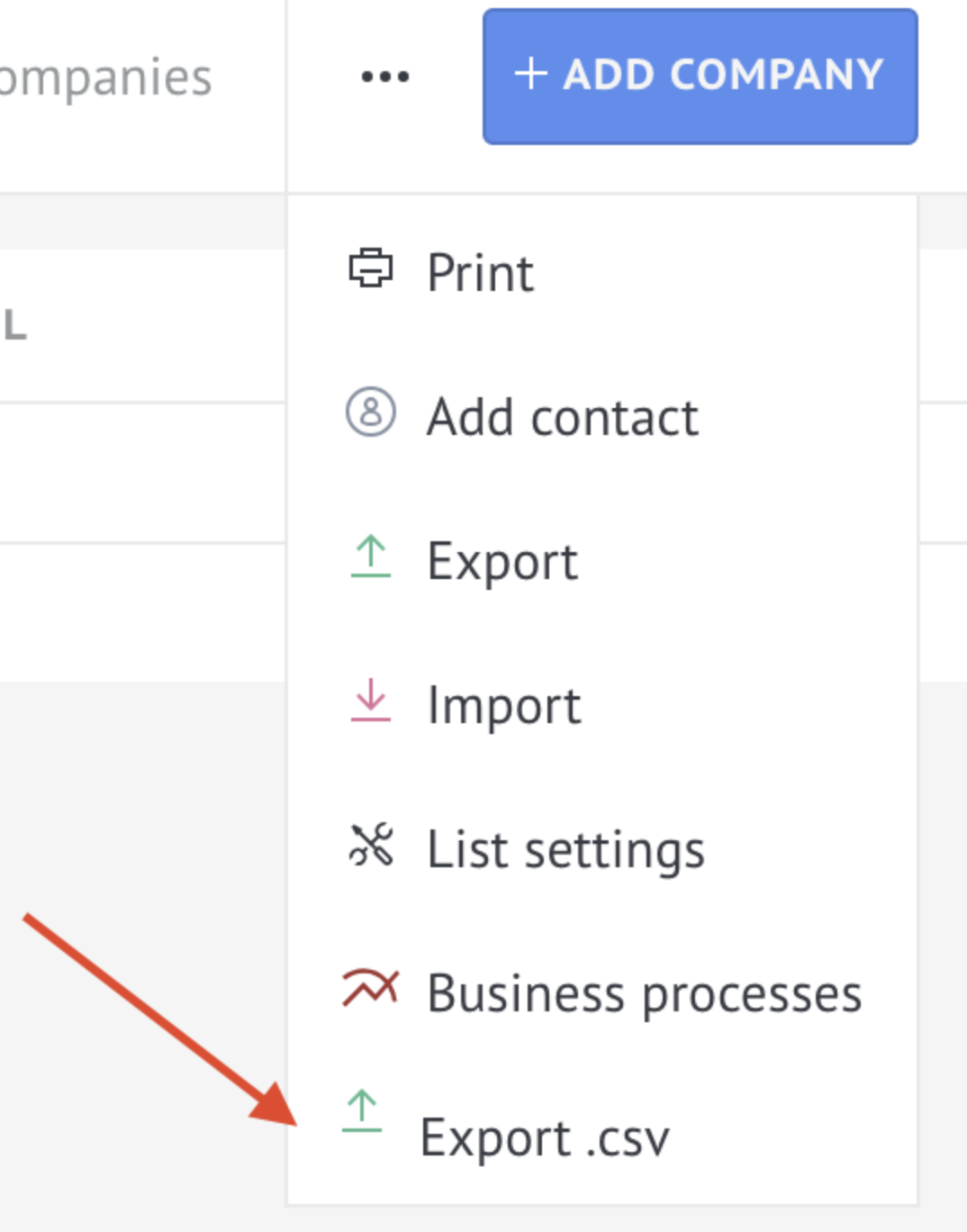
Then click ... (three dots) and select the "Export .csv" button.
Important. The "Export .csv" button is available only in the "List" view.
Configure the table fields as needed, and when exporting to CSV, the selected fields will be included in the file automatically.
