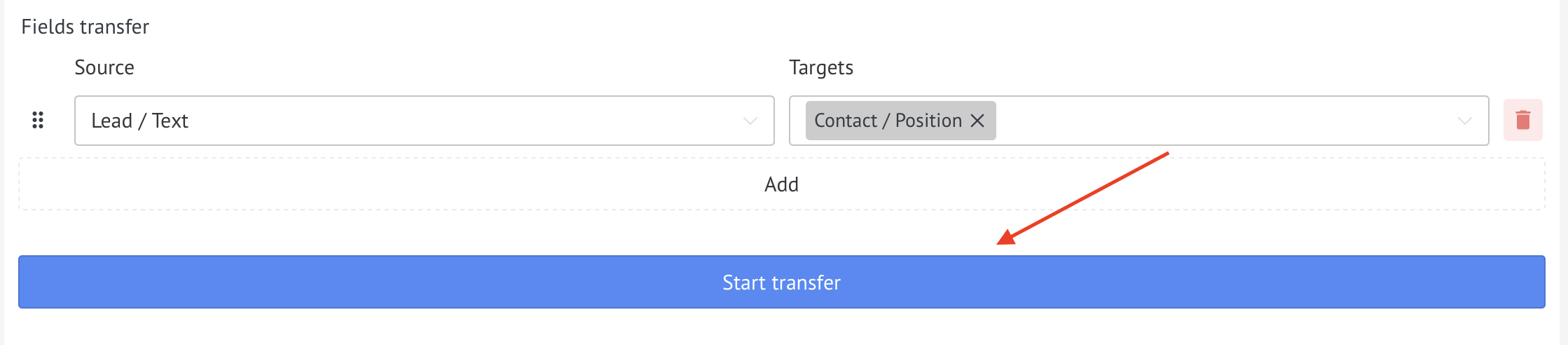
The widget is designed to transfer (copy) the value of one field to another. The widget automatically detects the type of the source field and offers only those transfer options that are possible.
Automation
Field value transfer
The widget allows you to copy the value of one field to another.
Features
Selection of source field (where to copy the value from)
Selection of target field (where to transfer the value)
Automatic detection of source field type
Limiting available target fields based on allowed type conversions
Support for transferring values between fields of different entities
Display of execution progress when starting transfer
Installation and setup guide
Detailed guide for working with widget "Field value transfer"
Description
Logic of working with types
After selecting the source field, the system determines its type and generates a list of types into which the value can be correctly cast.
Examples of supported transformations:
- Text → text area, number, date, datetime
- Number → text, date, datetime
- Date of birth → date, datetime, text, text area
- Legal entity → text, text area
Target fields with incompatible types are not displayed and cannot be selected.
Working with different entities
If the source and destination fields belong to different entities:
- The system automatically searches for and uses existing relationships between entities
- If there is no relationship, such records will be skipped during transfer
How to use?
1. Go to settings
2. Click on “Create”

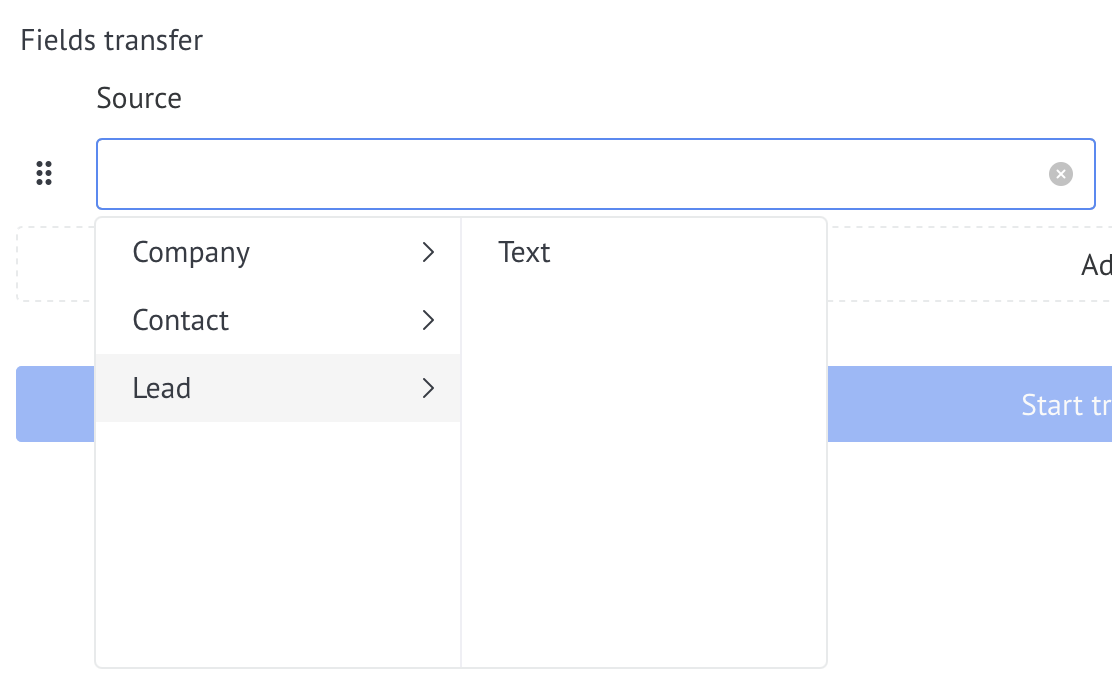
3. Select Source—from where you want to copy the value
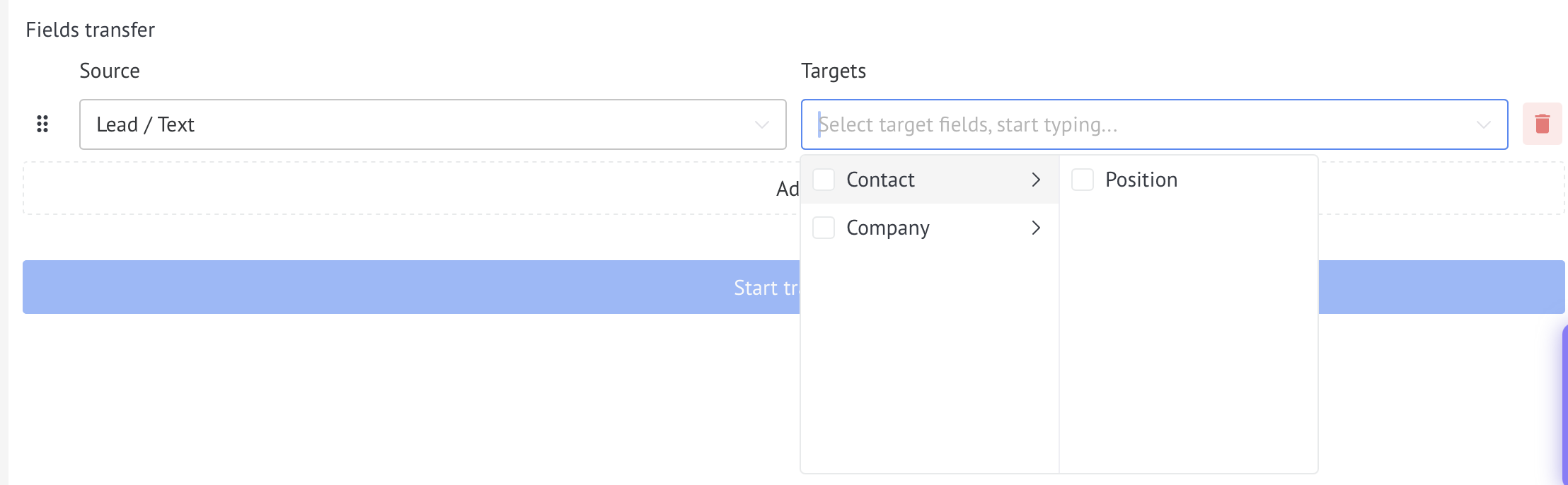
4. Select Goals—where you want to copy the value
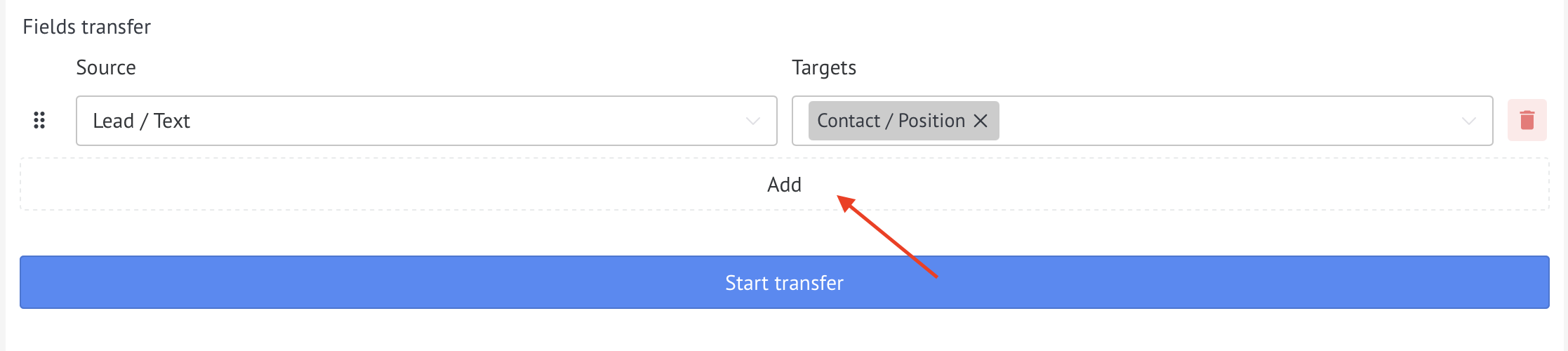
5. If you need to copy the value from other fieldsclick on “Add”
6. Start transfer - click on “Start transfer”