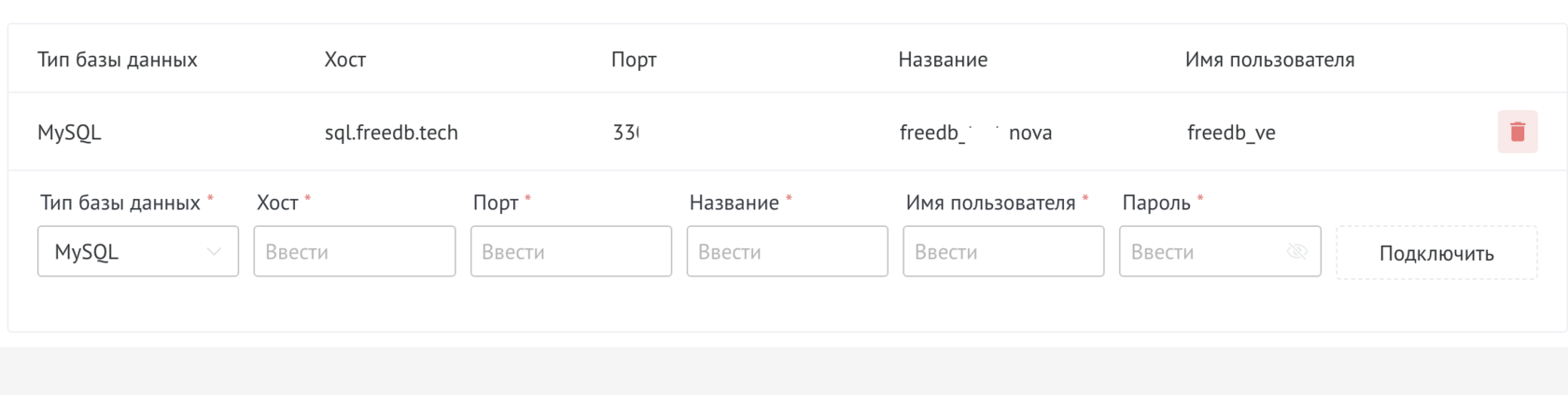
In order to connect the database, you need to go to the widget settings
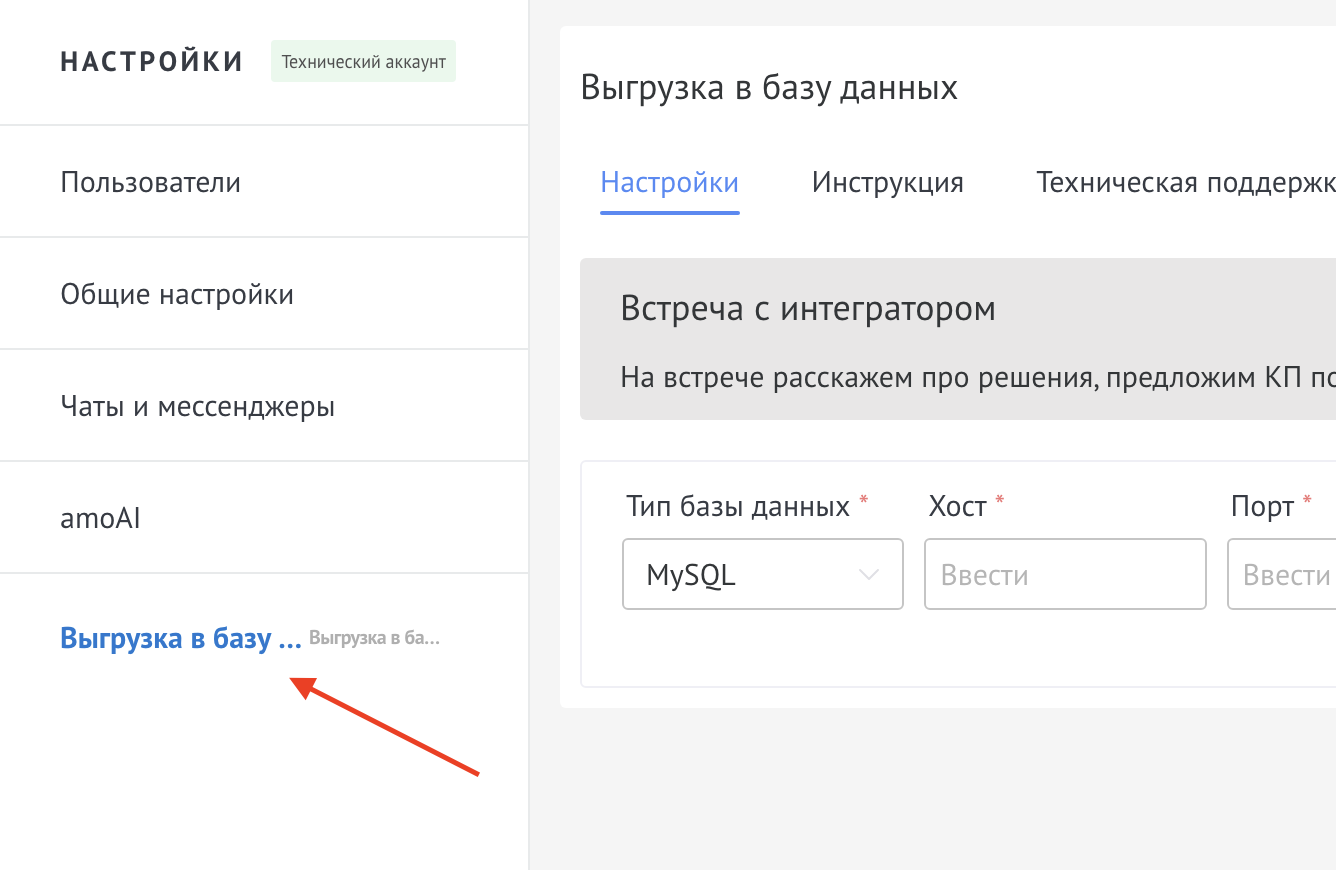
Next:
1. Select Database Type
2. Enter Host, Port, Database Name, Username and Password
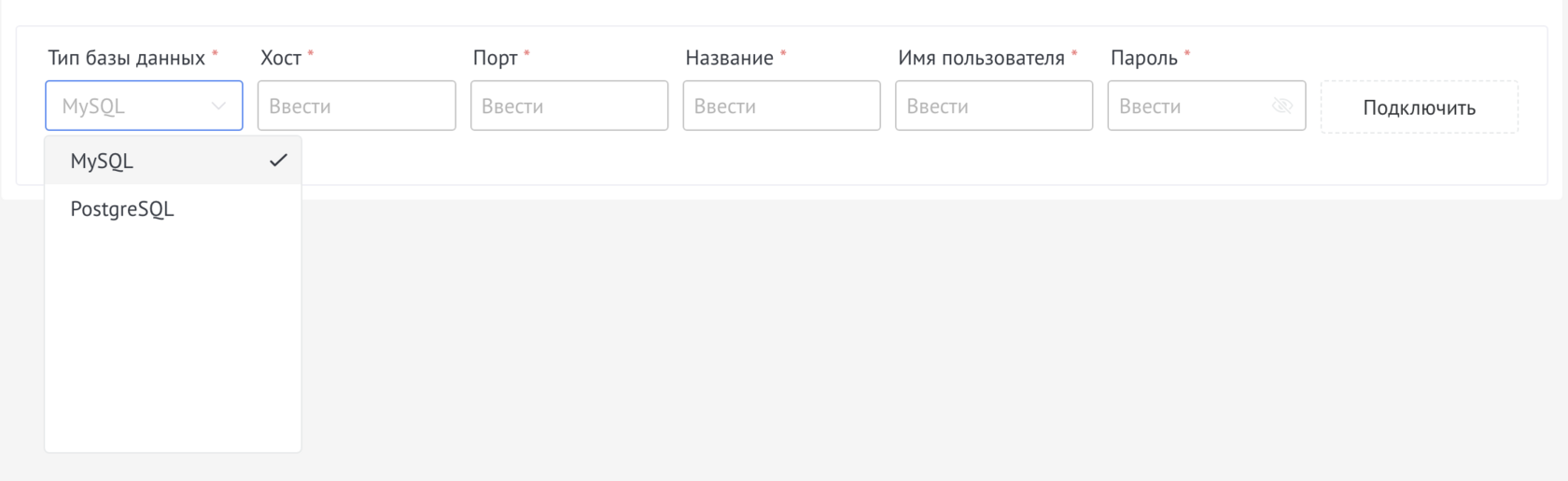
And click Connect
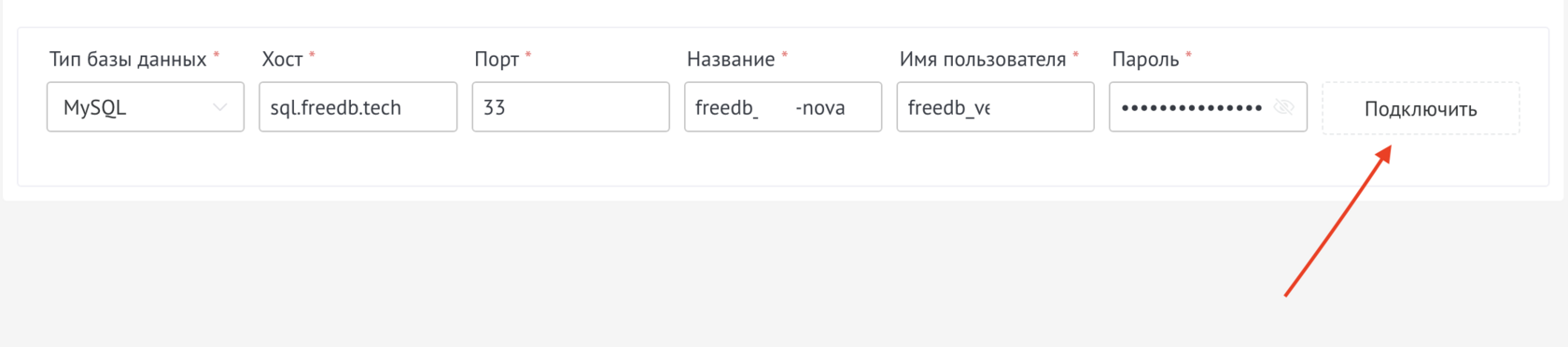
If necessary, add another database
A powerful tool for integrating Kommo with external storage systems. Automatically dump any type of data from Kommo into your database.
Detailed guide for working with widget "Uploading to the database"
In order to connect the database, you need to go to the widget settings
Next:
1. Select Database Type
2. Enter Host, Port, Database Name, Username and Password
And click Connect
If necessary, add another database
Upload to the database occurs by trigger, you need to configure it
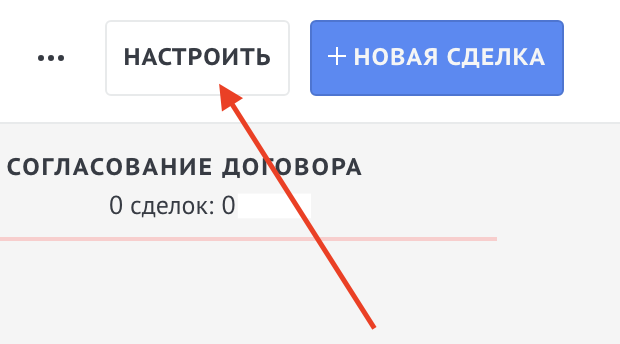
To do this, you need to go to the funnel settings
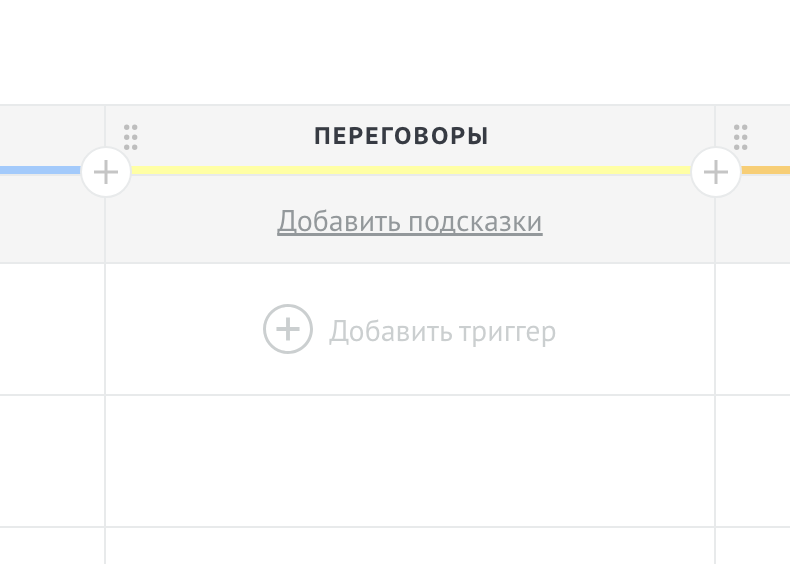
At the required stage, click Add trigger
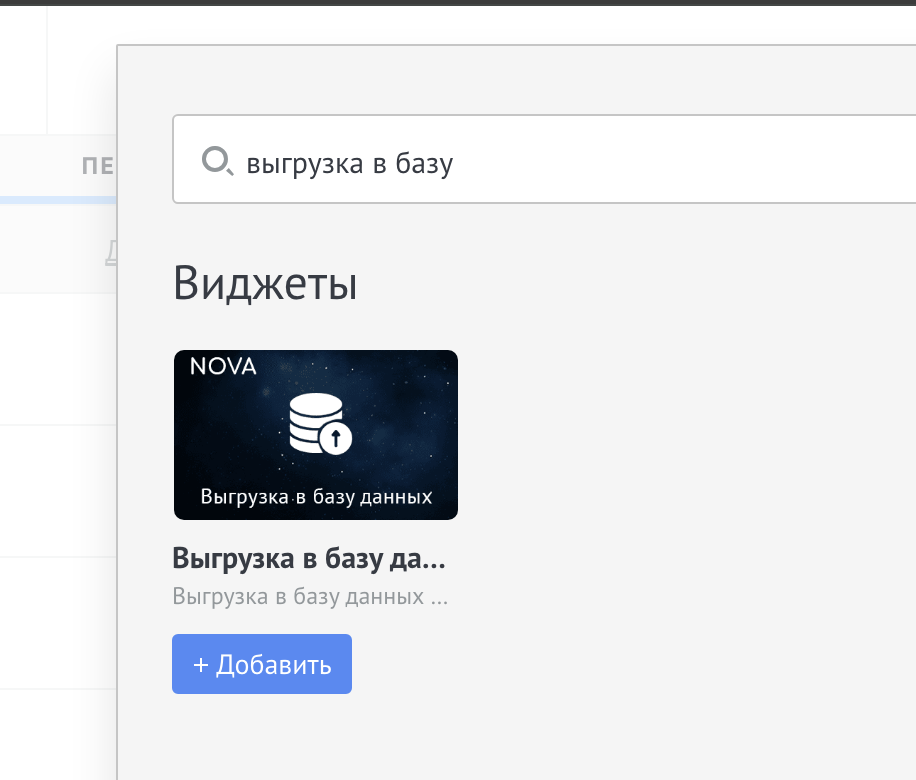
In the search bar enter “upload to database”
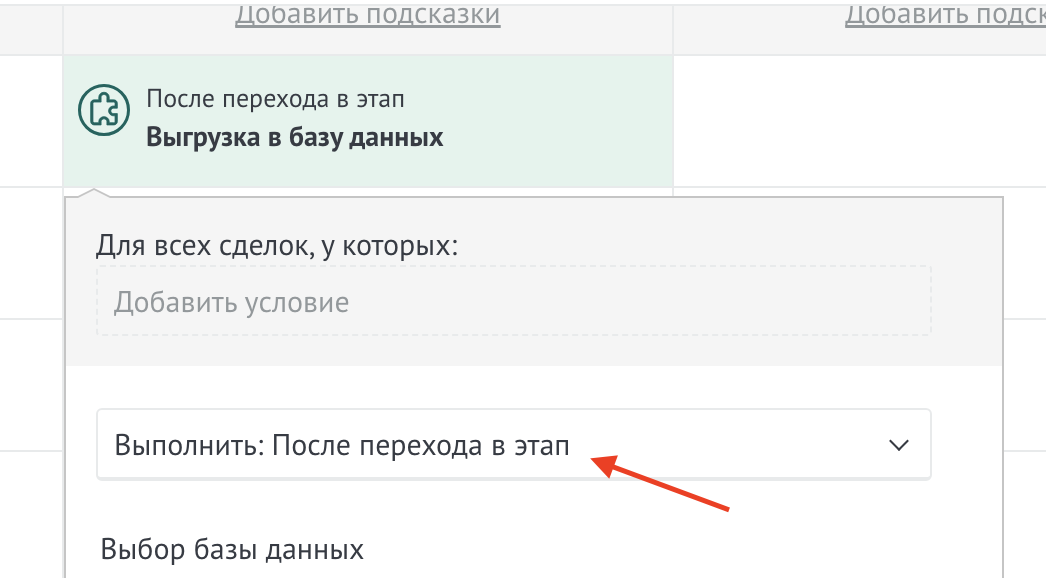
Select at what point the upload will occur
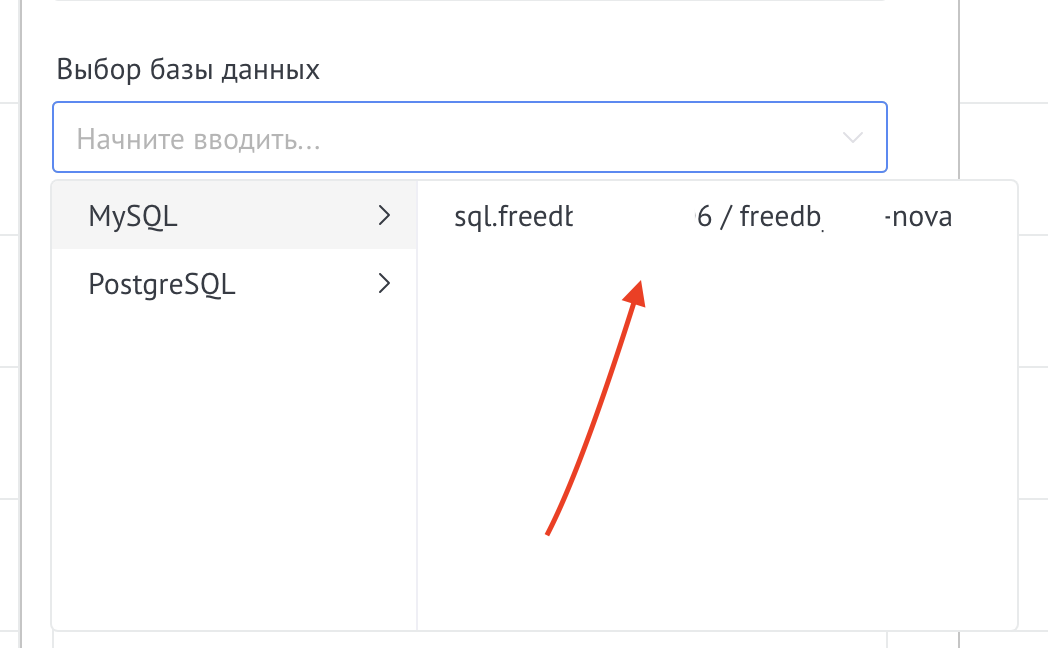
Select database
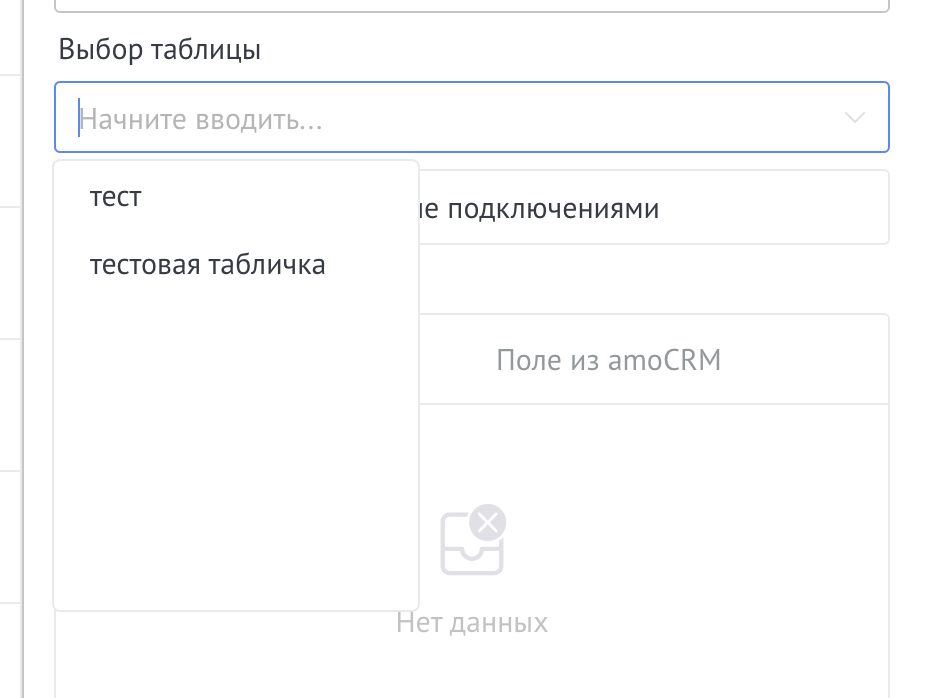
Select table
Next you need to correlate the fields from the table with the fields in Kommo
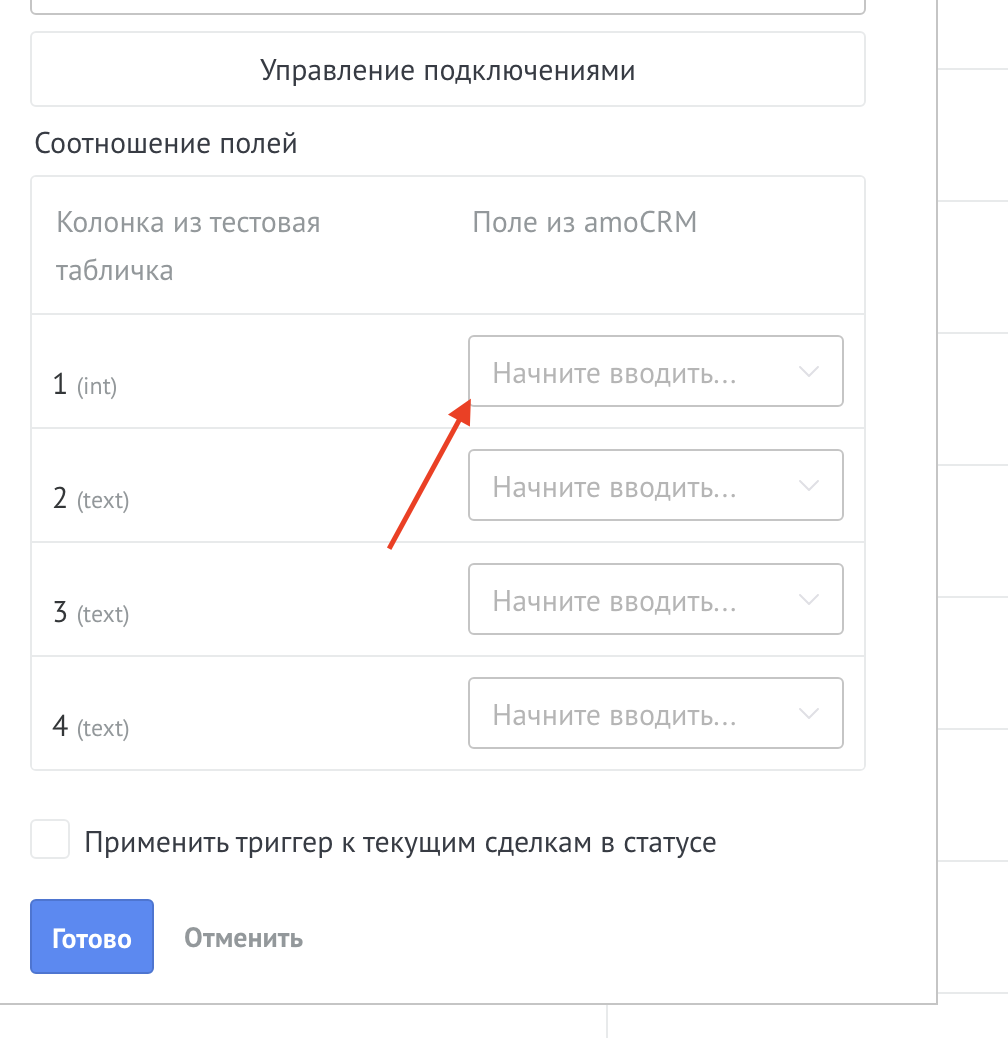
After completing the settings, you need to click Finish and Save funnel settings