For settings you need to go to the widget settings section and enable the widget

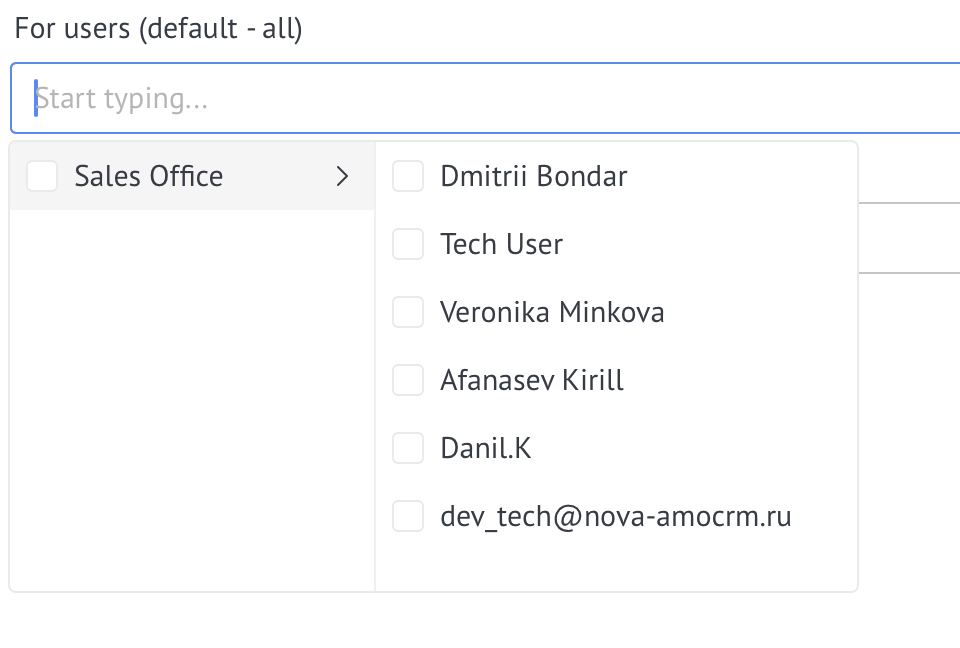
Select users for whom the widget will be available
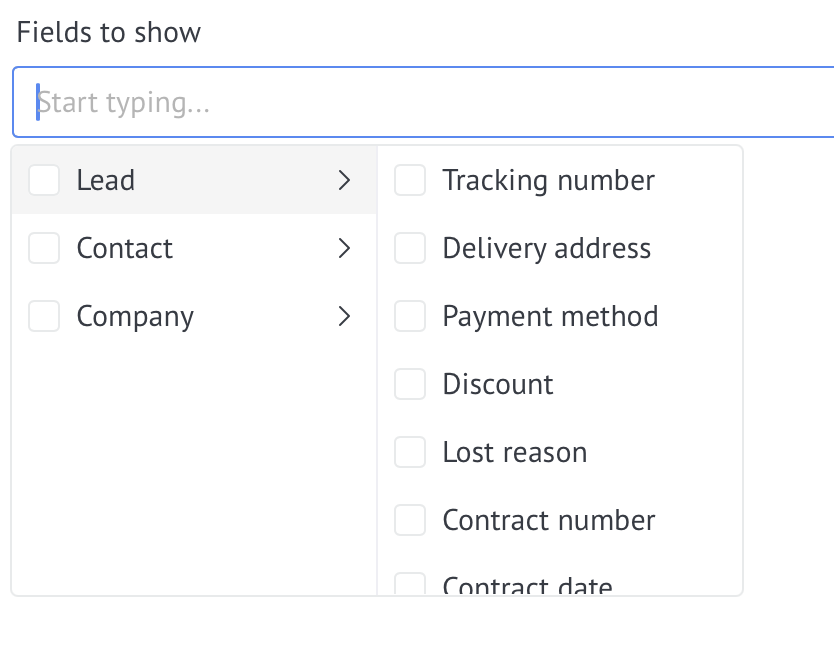
Select the fields that will be displayed when you hover over an entity.
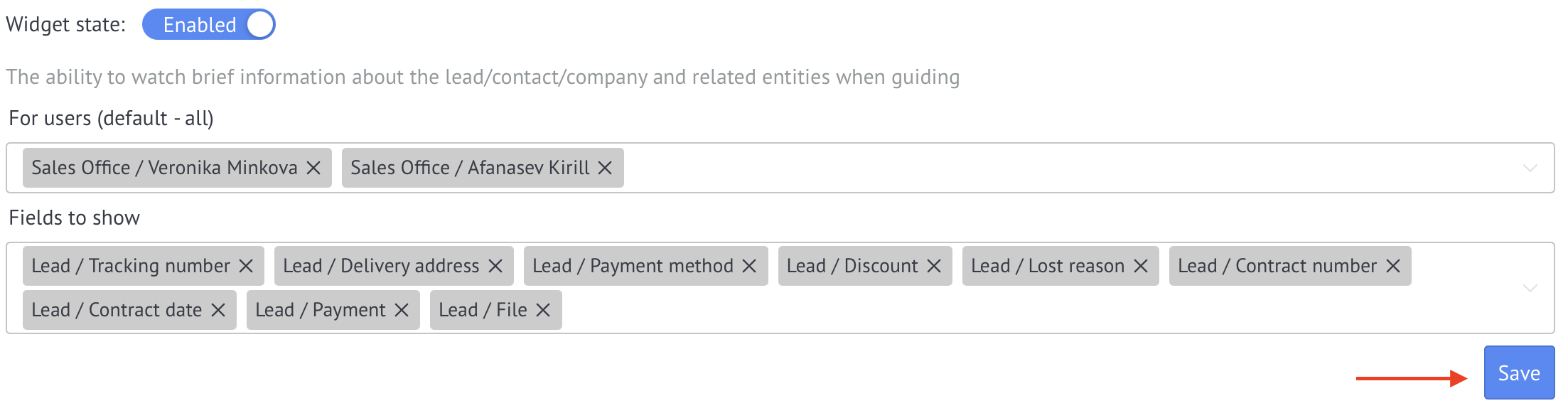
and Save
View a short summary of a lead, contact, company, and linked records on hover
Detailed guide for working with widget "Brief information on hover by NOVA"
For settings you need to go to the widget settings section and enable the widget
Select users for whom the widget will be available
Select the fields that will be displayed when you hover over an entity.
and Save
The widget settings include the option Show the latest note. When it is enabled, the hover card on a lead shows the latest note. The card appears in the lead list and on the kanban.
To view brief information, simply hover your mouse over a lead, contact, or company in a list or pipeline.

✨ The widget allows you to quickly view key information about leads, contacts and companies without having to open the entity card.