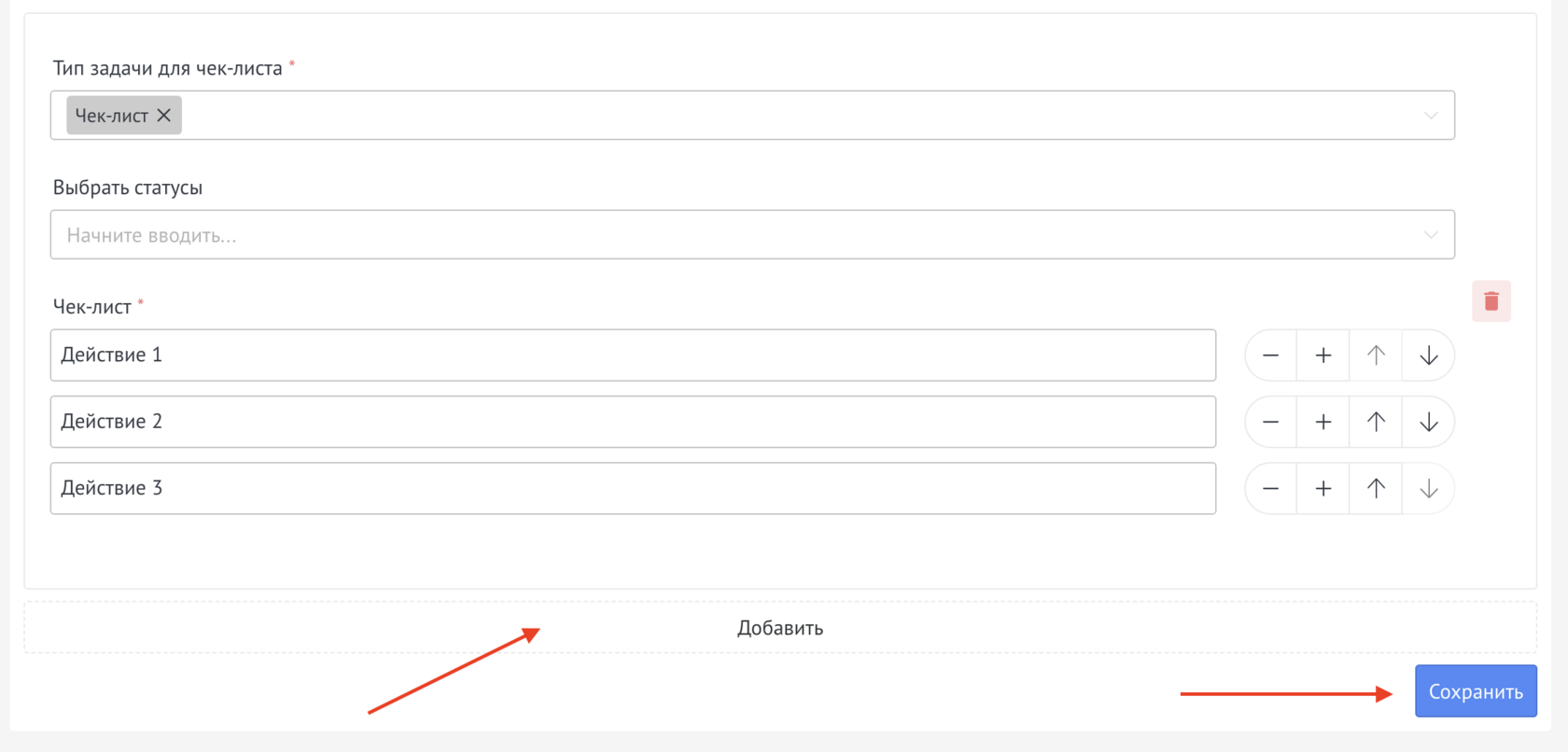
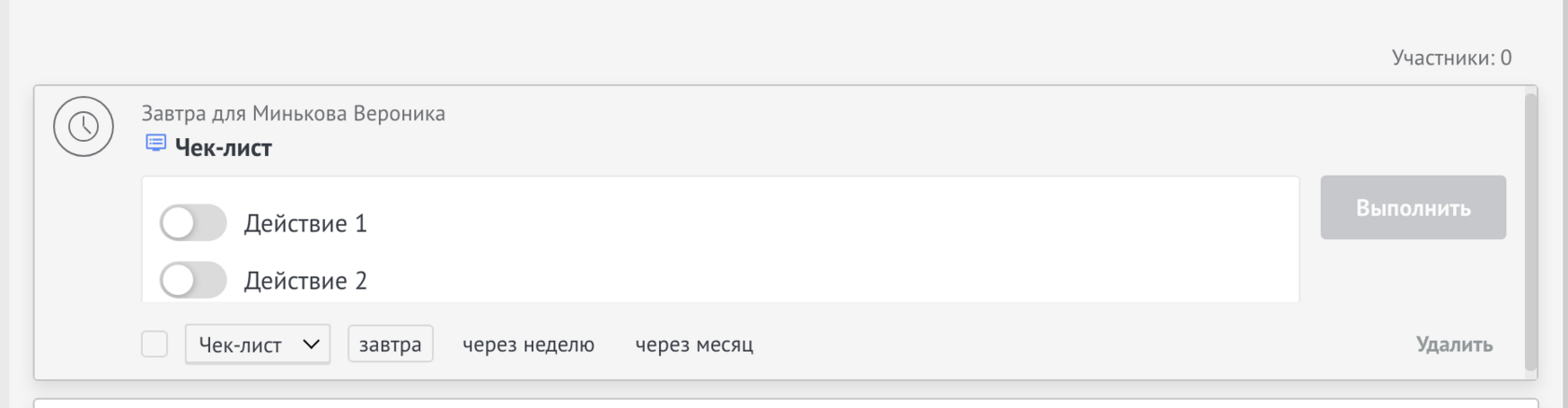
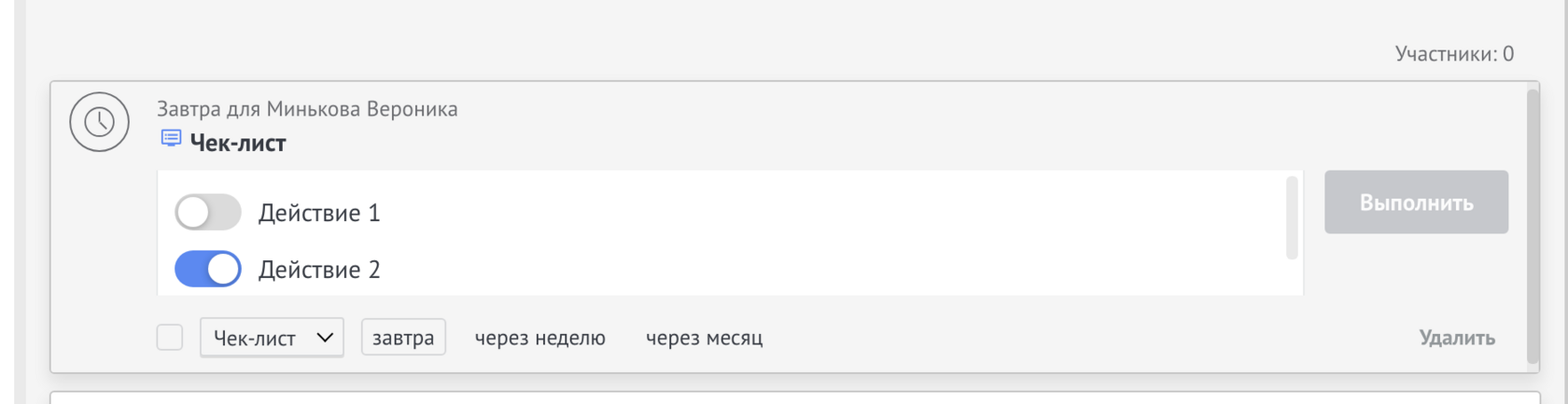
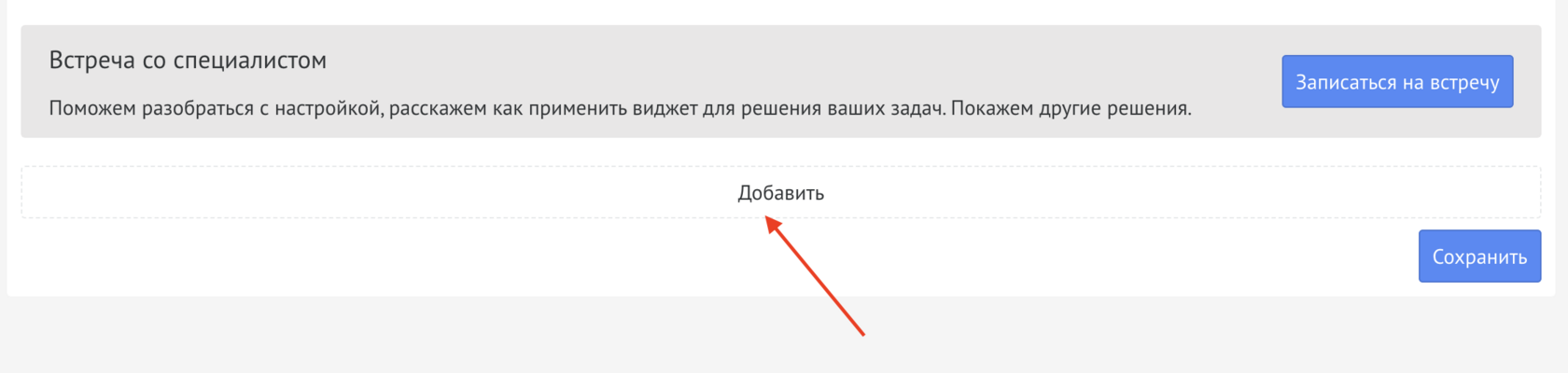
After installing the widget, you need to go to settings and click on Add
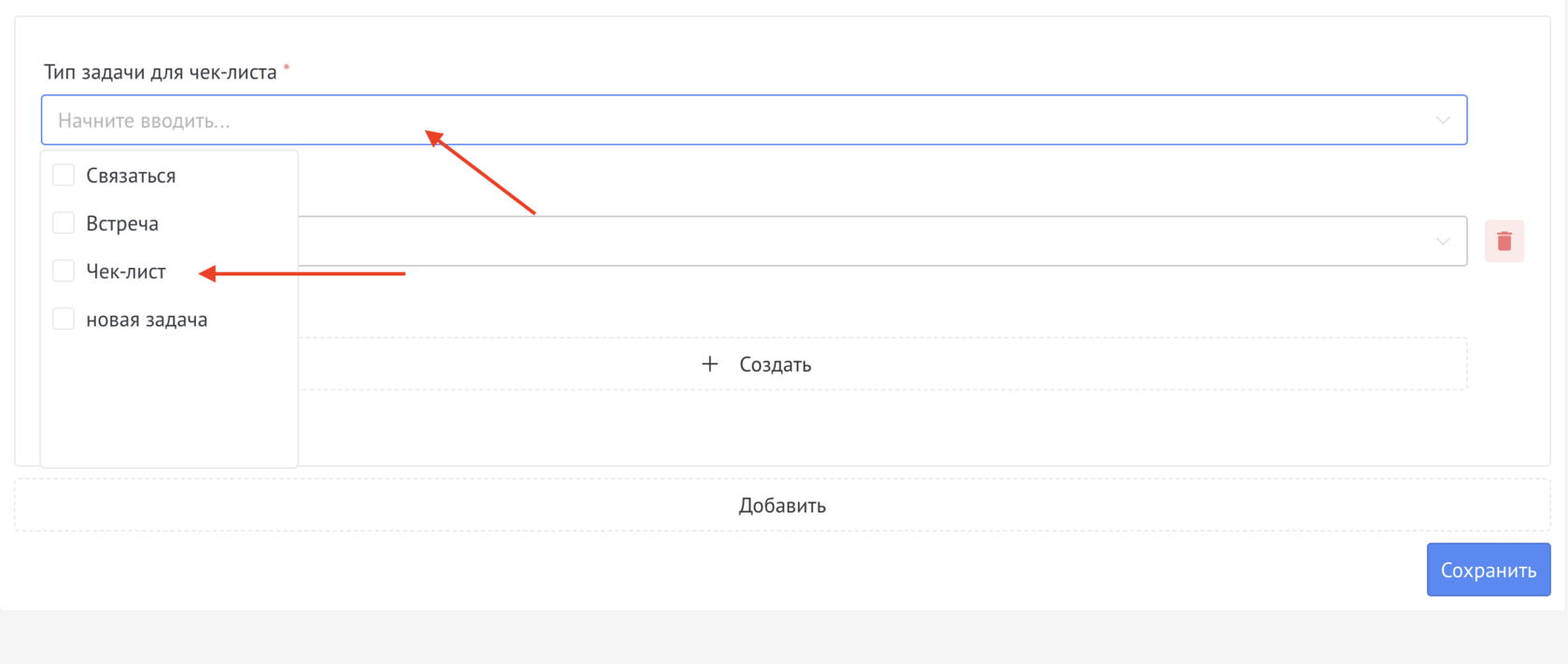
Next, select the type/types of task/tasks for which you want to make a checklist
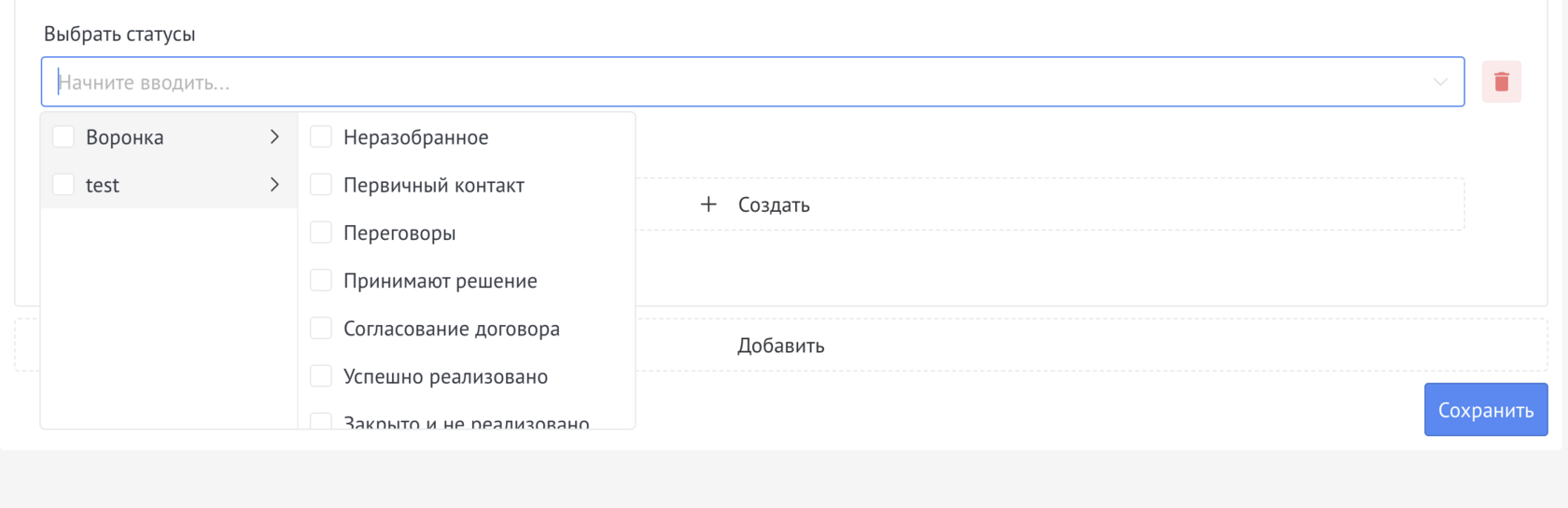
If necessary, select the funnel/stage(s) in which the checklist will be displayed when a deal hits
To create actions in the checklist, click on Create

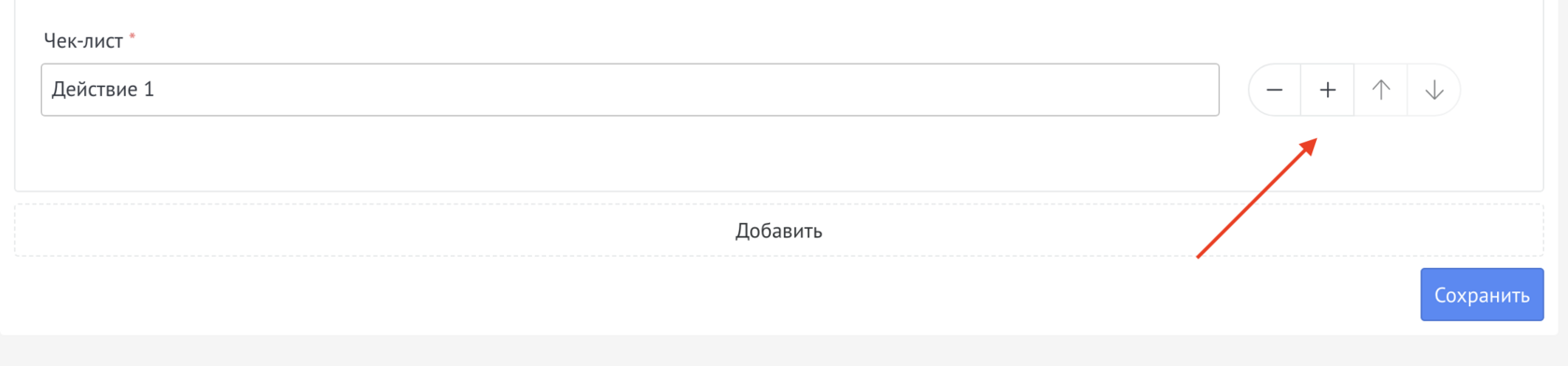
Next, enter the action that needs to be performed
If necessary, click on “+” and enter another action, you can add an unlimited number of actions
After creating a checklist, you can create a checklist for other types of tasks.
After completing the settings, you must click on Save.