The widget is configured in pipeline settings
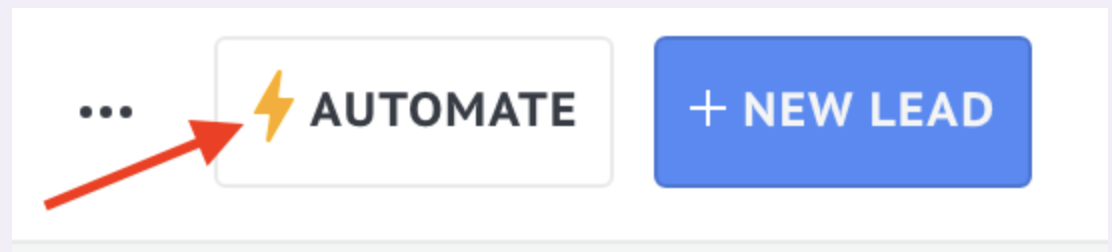
Select stage for the trigger ➜ click +Add trigger ➜ enter AI mail parser in the search
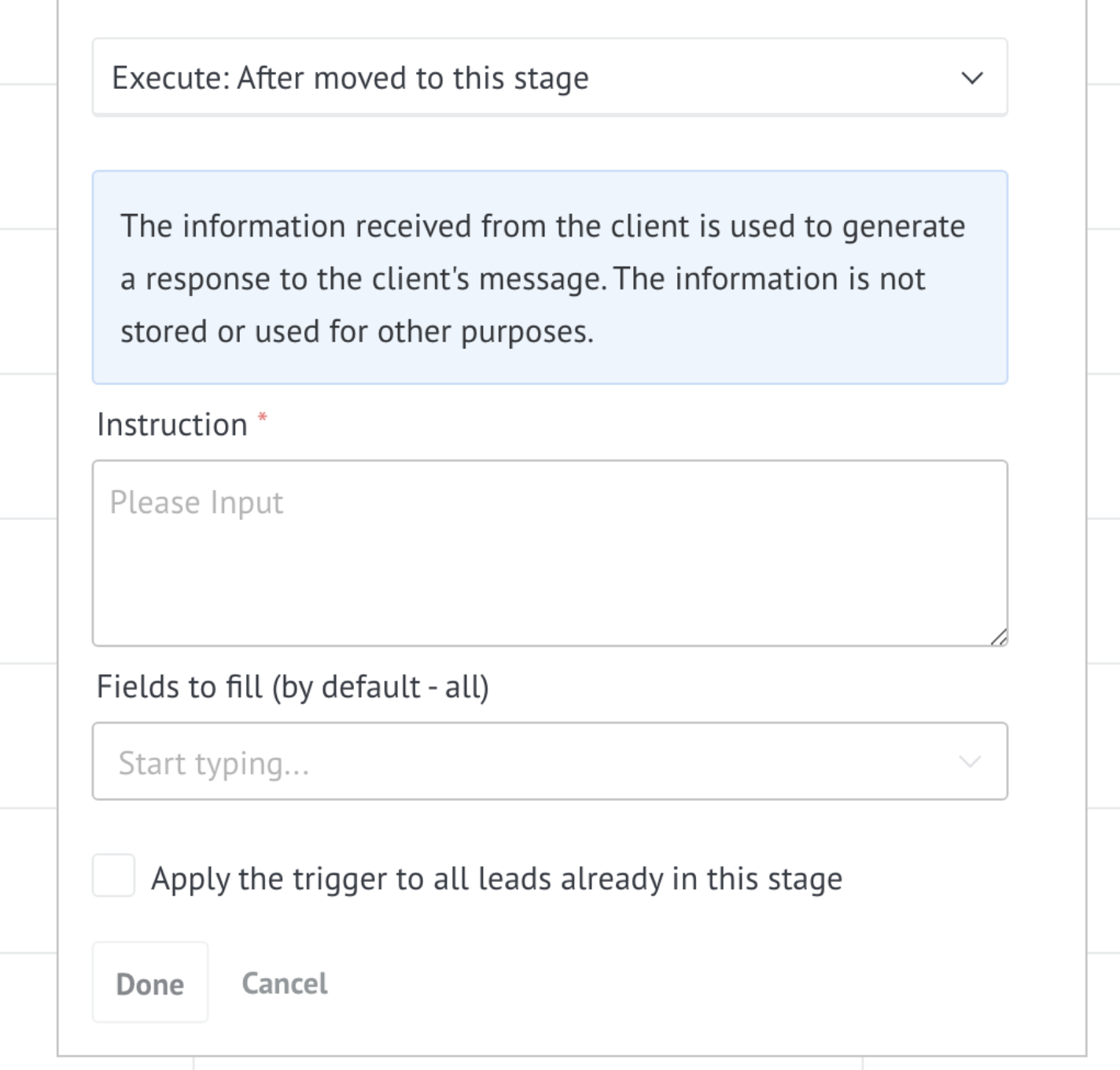
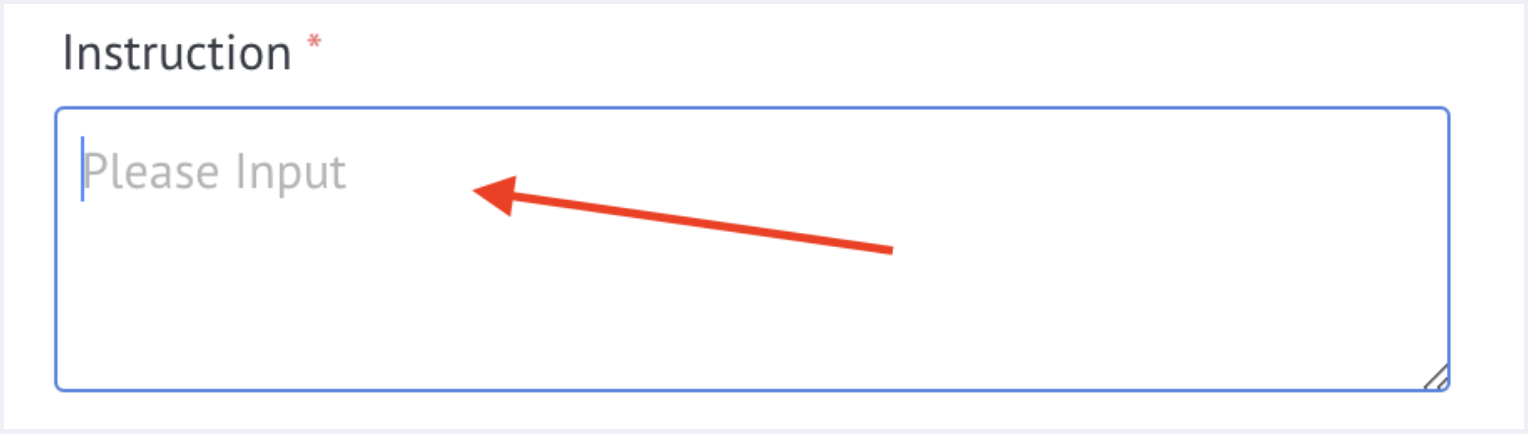
In the Instructions field, enter a task for AI
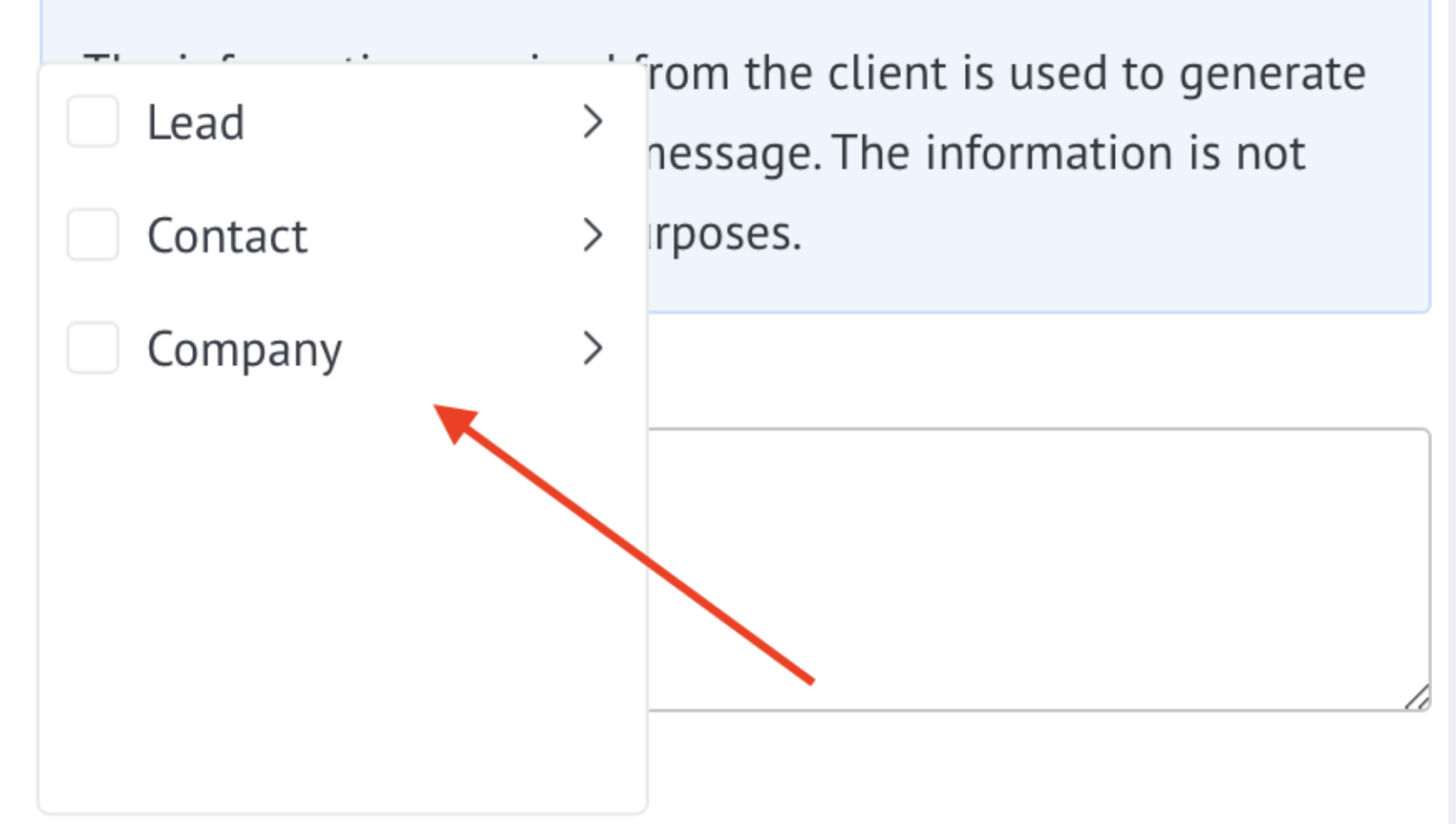
Select the fields to fill in; by default, all fields available to AI are filled in
Click on Finish ➜ save pipeline settings