Artificial intelligence

AI Assistant in Kommo

AI Assistant in Kommo configures your CRM on request: pipelines, custom fields, permissions, and automations. Describe the task in plain language — the assistant handles the setup for you.

Features

Pipeline setup from a text request
Creating and editing custom fields
Permission management
Automation and trigger setup
Natural language requests
Token-based pricing

Installation and setup guide

Detailed guide for working with widget "AI Assistant in Kommo"

About the widget

AI Assistant in Kommo configures the CRM from your request: pipelines, custom fields, access rights, and automations. Describe the task in plain language — the assistant does it without manual work in the admin panel.

Instead of looking for the right settings and learning the Kommo interface, say what you need as a result. AI Assistant understands the request, applies the setup, and helps you launch the CRM for your business process quickly.
Capabilities

  • Pipeline setup — creating stages, renaming them, and changing the sales logic
  • Working with custom fields — adding, editing, and configuring custom fields in leads, contacts, and companies
  • Access rights — setting visibility and access for users and departments
  • Automations — creating and editing triggers, bots, and scenarios
  • Natural-language request — you do not need to know where a setting is in Kommo
  • Token-based pricing — you pay only for actual AI usage

How to set up?

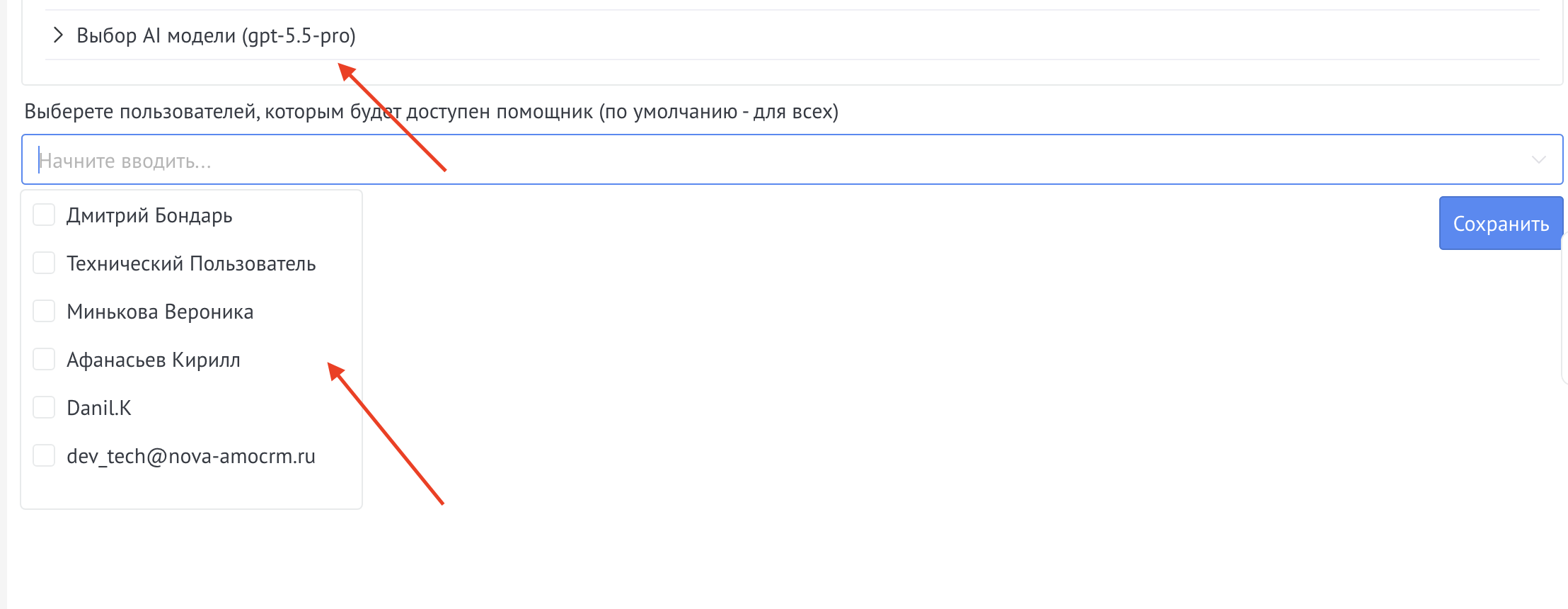
The widget does not require setup, but you can choose the AI model and the users who can use the assistant.

AI Assistant settings

How to use?

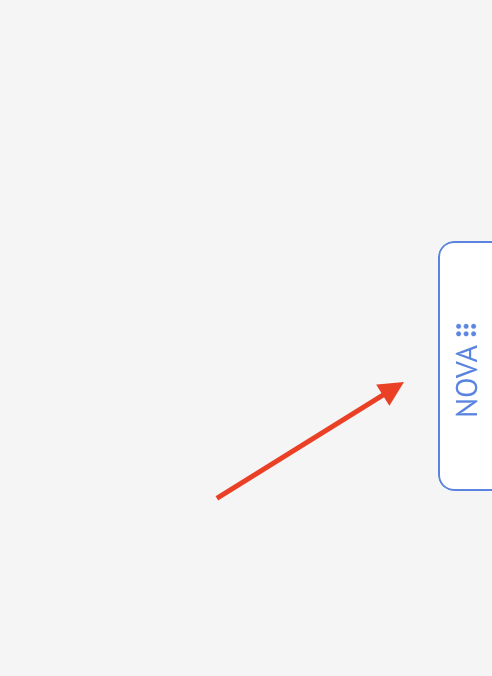
To get started, open the chat with the assistant.

Opening the chat with AI Assistant

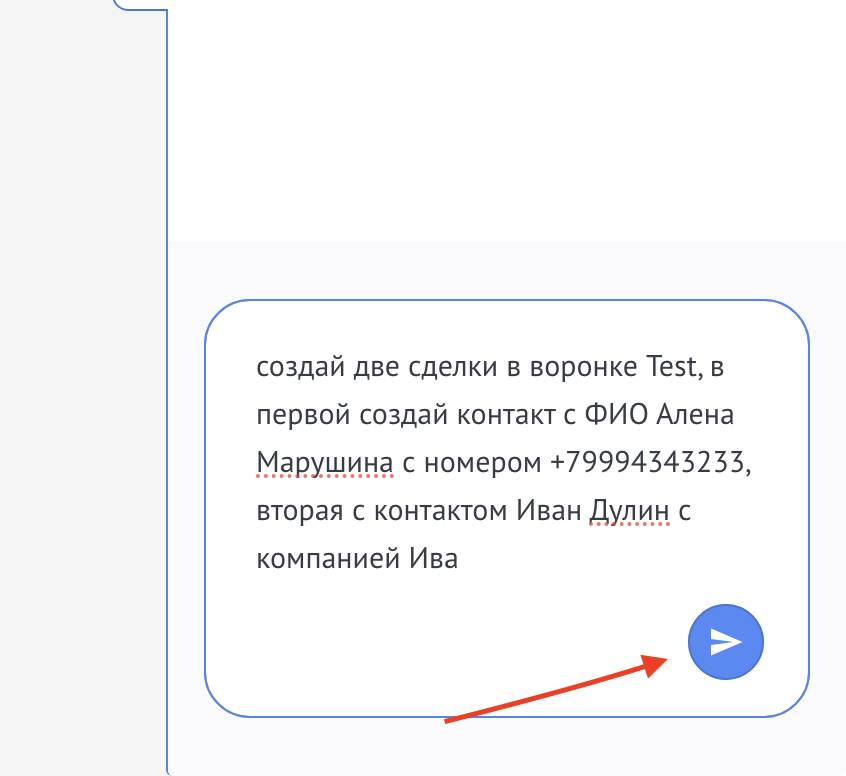
Then enter a request — describe what needs to be set up in Kommo.

Entering a request in the AI Assistant chat

After you send the request, wait until it finishes — the assistant applies the CRM settings and reports the result.

Data safety

NOVA AI widgets use a built-in anonymizer model. Before AI processing, it hides personal data in the text, so the original personal data is processed only on NOVA servers.

  • Names, phone numbers, email addresses, and other personal data are anonymized before the text is sent for AI processing
  • The original personal data does not leave the NOVA infrastructure
  • This approach helps meet 152-FZ requirements when using AI with the CRM